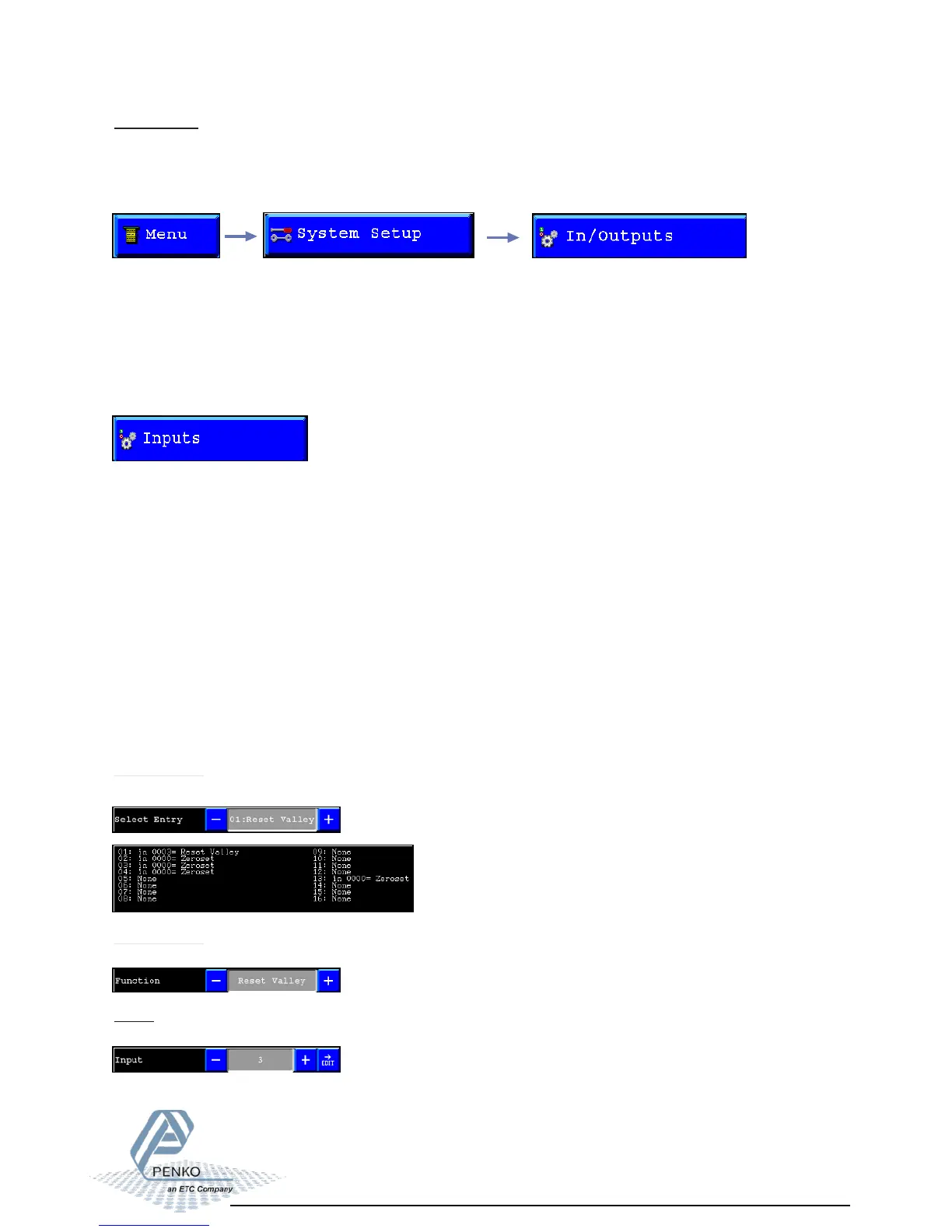
Inputs:
All inputs can be configured to control different functions.
Different functions are:
- None (not used)
- Zeroset
- Zeroreset
- Tareset
- Tarereset
- Print
- Reset Peak
- Reset Valley
- Next screen
- Screen lock (Disables the touch screen)
- Start (Starts the program sequence)
- Stop (Stops the program sequence)
- Wait Pauses
( the program sequence)
In/Outputs:
In this menu its possible to setup the Inputs, Outputs and analog output for the different
processes.
To go to this menu, select “In/Outputs” from the System setup menu.
Different options are:
- Inputs
- Outputs/Levels (only in Flex 2100 Indicator)
- DAC Setup
- DAC Calibrate
- USB Stick
Select Entry:
In this field its possible to select the line to edit below in the screen.
Select Entry:
In this field its possible to select the function to link to the selected line.
Input:
In this field its possible to select the input to link to the selected line.
Inputs/Outputs 01



 To Next Page