Screen setup 07
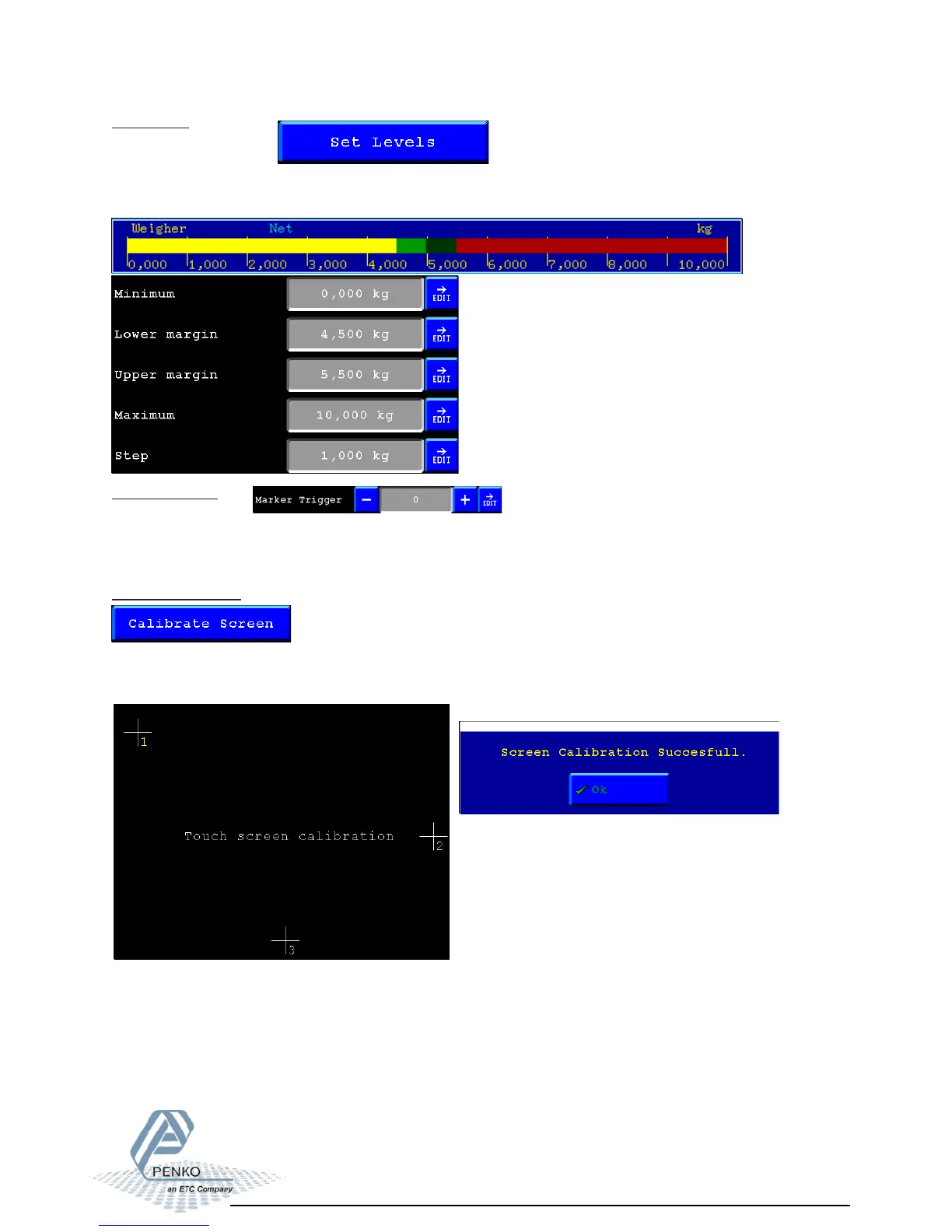
Set Levels:
Here you can setup the levels for the led bar. These are also the settings for the history
view.
Example:
Marker Trigger:
Here you can setup the marker that triggers the drawing of a new bar in the history view.
everytime the marker is turned on or off a new bar appears.
Calibrate Screen:
Here you can calibrate the touchscreen. press 1,2,3 in the right sequence in the middle of the
cross to calibrate. When this is done correctly a popup screen will appear showing that he
calibration was succesfull.



 To Next Page