Indicator set up 04
Zero tracking:
Zero tracking is able to tune the zero point back to zero when the scale becomes dirty.
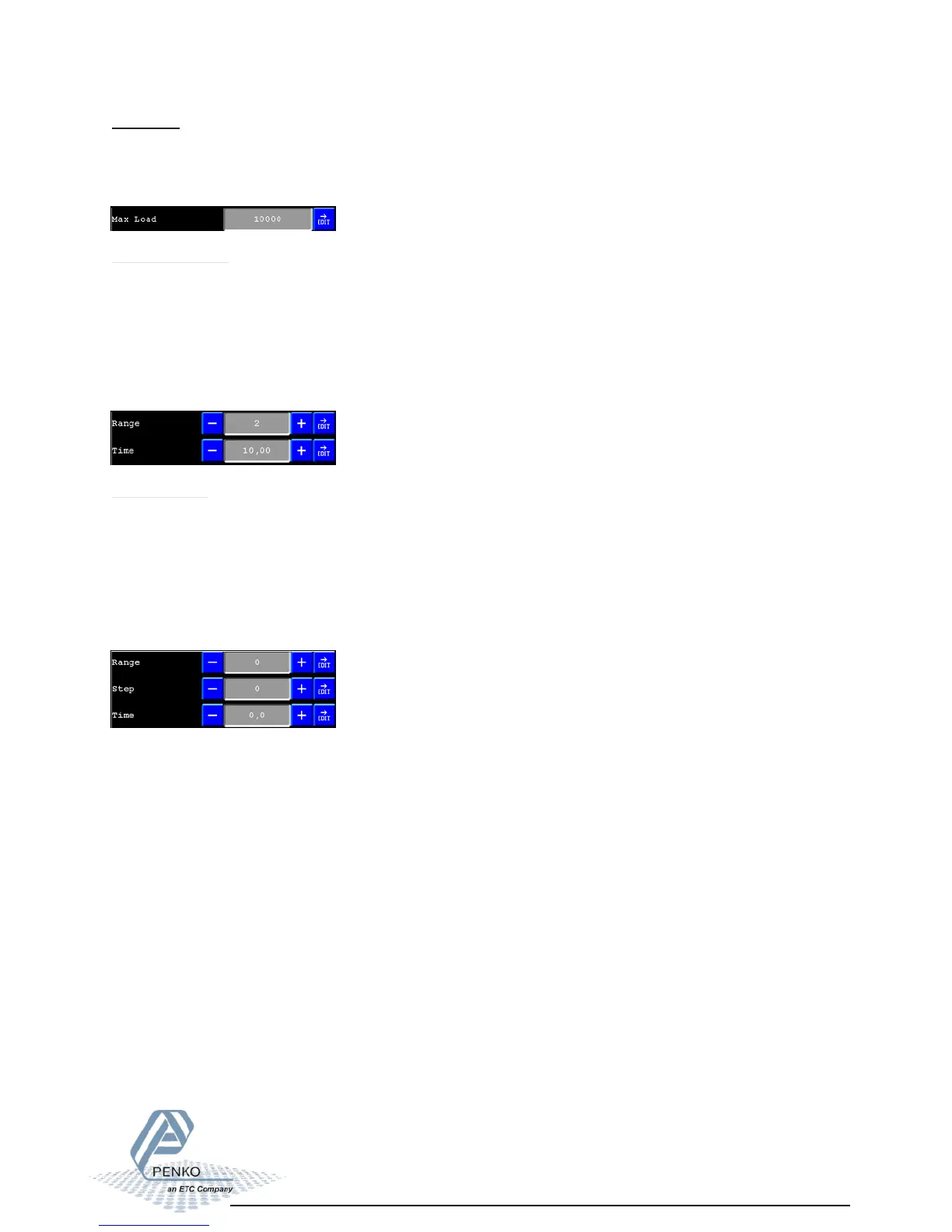
The zero tracking can be set with 3 parameters:
, the time that the signal has to be within the range to tune 1 step back to zero.
, the maximum offset to tune back to zero.
, the step size that will be tuned every when the offset is whithin the
Maximum .
-Time
-Range
-Step
time
range
Max load:
To prevent overload by the user, the FLEX will not show any weight above this value.
In certified mode the max load is not allowed to be more then the maximum load
+ 9 scale parts.
Stable condition:
The Flex will give a signal when the weigher value is stable within certain values.
The stable function can be set with 2 parameters:
(milliseconds).
(in the selected weigher unit)
The indicator will give the stable signal when it’s within the for the set
- Time
- Range
range time



 To Next Page