Screen setup 08
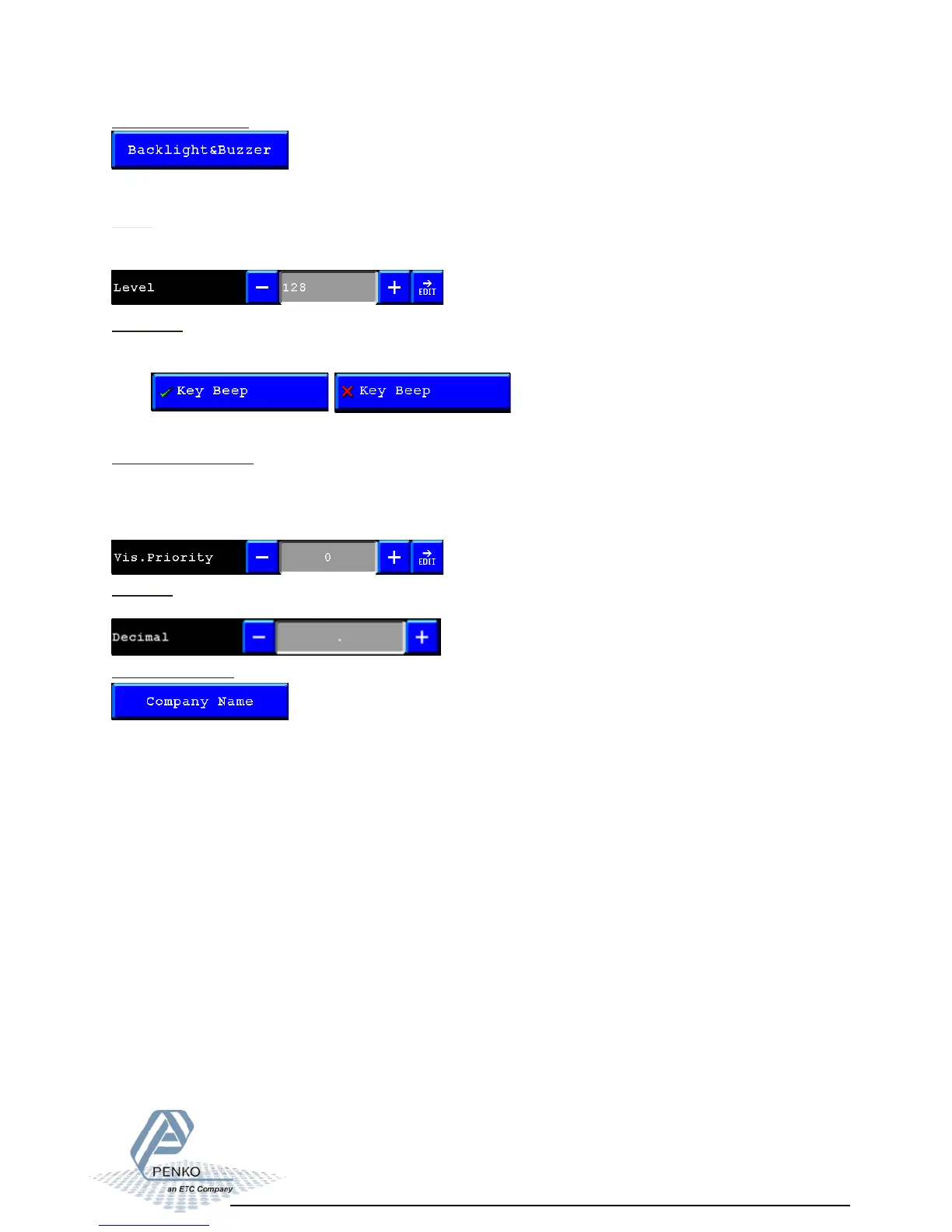
Backlight&Buzzer:
Here you can setup the backlight, the buzzer and the visualization update speed.
Level:
Here you can change the brightness of the Flex screen.
0=dark 255=bright
Key Beep:
Here you can enable/disable the key beep of the Flex.
When this in enabled every time you hit a button the flex gives a beep.
Key beep enabled key beep disabled
Visualization priority:
Here you can setup the update speed of the visualization screens.
0=the program has higher priority as the visualization this makes the program little faster.
1=the program has the same priority as the visualization
2= the program has lower priority as the visualization, this will make the program a little slower.
Company Name:
Here you can setup your company information.
The information you can add is:
- Name
- Street
- City
- Telephone
- Fax
- Web address
This will appear in Info in the menu. See page 2-36 for an example.
Decimal:
Set point or comma character for decimals.



 To Next Page