Labels & Links 02
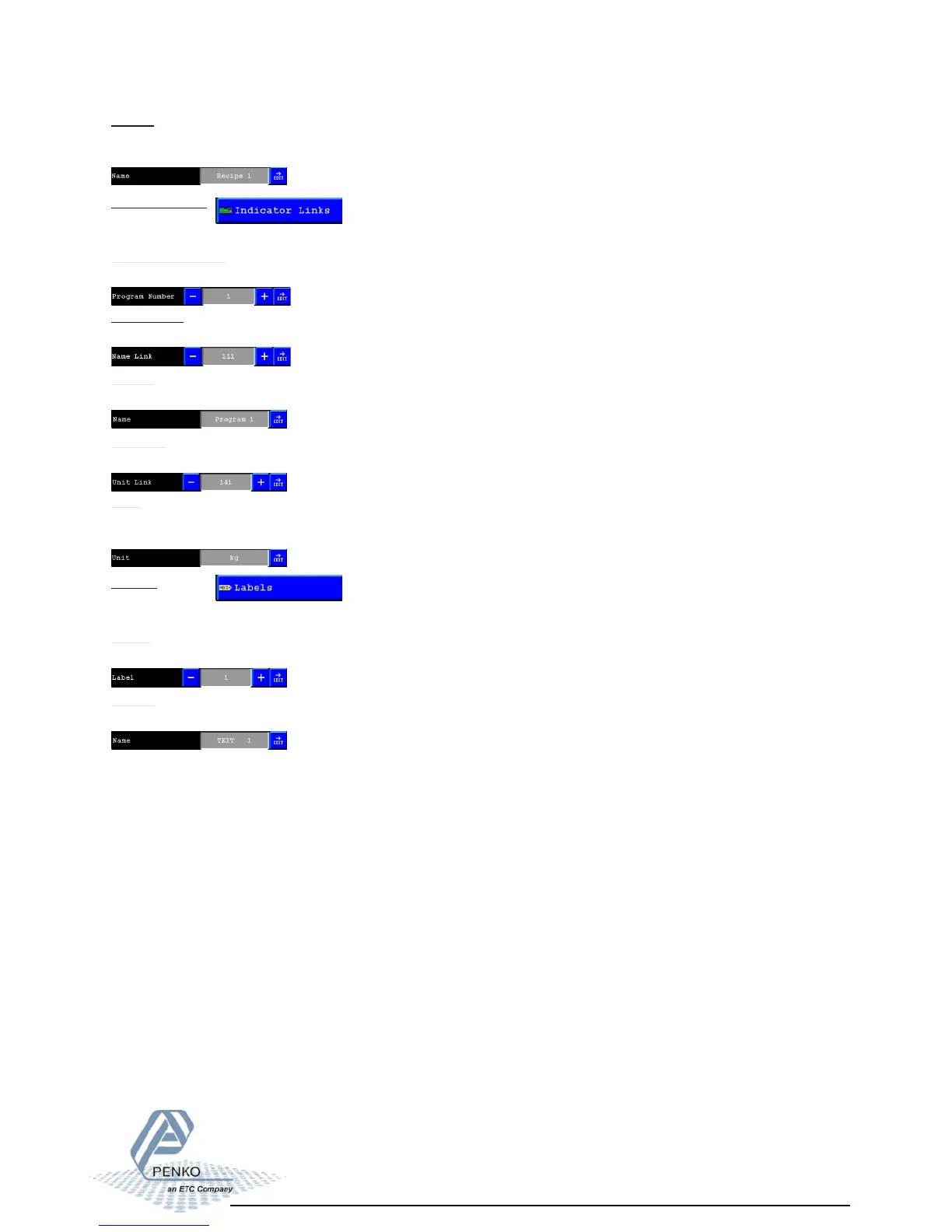
Indicator Number:
Select the number of the indicator you want to change.
Indicator Links:
Here you can setup a name for the internal indicators of the Flex.
Name Link:
Select the number of the Label you want to use for this indicator name.
Name:
Here you can change the text of the label that will be used for this indicator.
Label:
Select the number of the Label you want to change.
Labels:
Here you can change (setup) texts for labels.
Name:
Here you can change the text of the label.
Unit link:
Select the number of the Label you want to use for showing the indicators unit.
Unit:
Here you can change the text of the label that will be used for this indicators unit.(kg, lbs,
pcs, etc.).
Name:
Here you can change the text of the label that will be used as a name for this recipe
number.



 To Next Page