Battery Level Indicator
You can check the battery level by viewing the symbol displayed on the
LCD monitor.
(lit green) : Adequate power remains.
(lit green) : Battery is running low.
(lit yellow) : Battery is running very low.
(lit red) : Battery is exhausted.
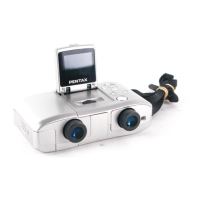
[Battery depleted] : After the message is displayed, the DIGIBINO will turn off.
Memo
• If the power switch is turned on while the batteries are nearly dead, the status lamp by the
right eyepiece lens continues blinking red and green.
• If the DIGIBINO does not operate properly because of a sudden voltage drop etc., replace the
old batteries with new ones.
17
Getting Started


 To Next Page
 Loading...