127
Shooting Functions
4
4
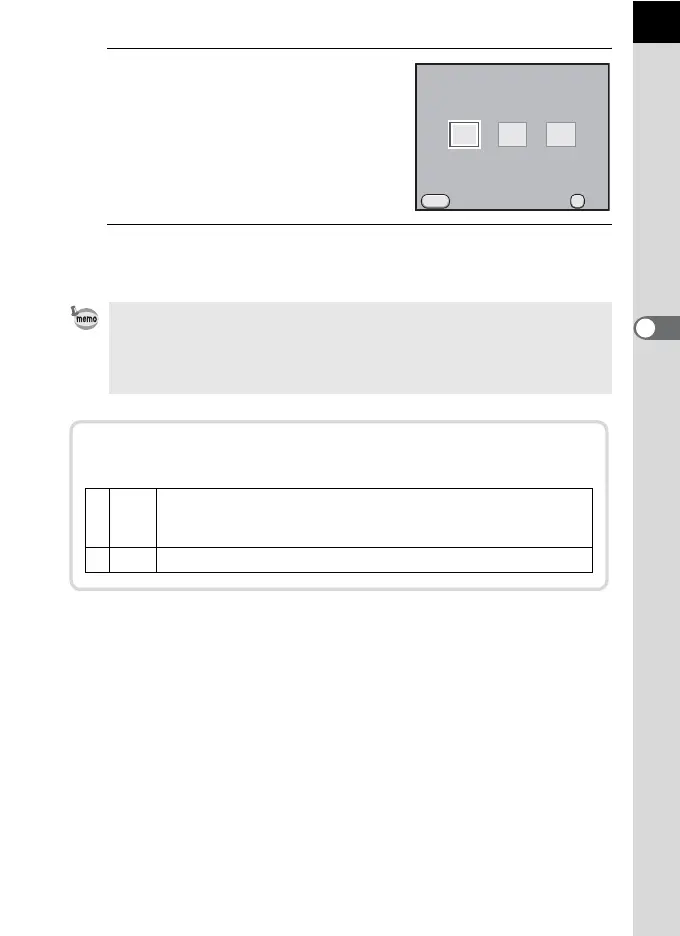
Use the four-way controller (45)
to select an AF mode.
5
Press the 4 button.
The camera returns to the control panel.
• You can also change the setting from the [A Rec. Mode 1] menu (p.87).
• [AF Mode] cannot be changed when the capture mode is set to Picture mode
or H (Scene) mode.
• Always set the camera to l when using the Quick-Shift Focus System on
a DA lens.
MENU
AF.S
AF.C
OK
AF.A
AF Mode
Cancel OK
You can set whether or not to use the AF assist light during l
mode in [11. AF Assist Light] in the [A Custom Setting 2] menu (p.89).
1On
To make focusing easier when the subject is in a dark location,
the AF assist light turns on when the shutter release button is
pressed halfway. (default setting)
2 Off The AF assist light will not be used.



 To Next Page