196
Shooting Settings
6
3
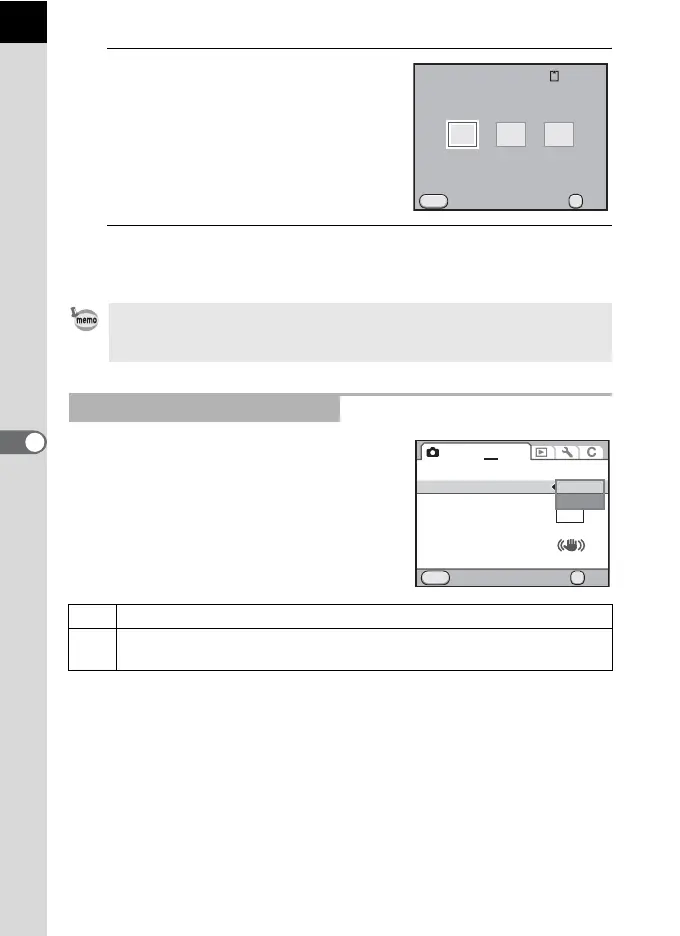
Use the four-way controller
(45) to select a file format.
When the file format is changed, the
number of recordable images appears at
the top right of the screen.
4
Press the 4 button.
The camera returns to the control panel.
You can select PEF or DNG format in [RAW
File Format] of the [A Rec. Mode 4] menu
(p.88) when capturing images in RAW format.
• You can also change the setting from the [A Rec. Mode 1] menu (p.87).
• The file format is fixed to [JPEG] when the capture mode is set to n (Stage
Lighting), l (Night Snap) or Z (Night Scene HDR) of H (Scene) mode.
Setting the RAW File Format
PEF PENTAX’s original RAW file format (default setting)
DNG
General-purpose, publicly available RAW file format designed by Adobe
Systems
MENU
128
OK
JPEG
RAW+
RAW
OK
File Format
Cancel
MENU
Green Button
AF/AE-L Button
Memory
Color Space
RAW File Format
Shake Reduction
Input Focal Length 35mm
sRGB
PEF
AF1
12
3
4
Cancel OK
OK
PEF
DNG



 To Next Page
 Loading...











