104
Shooting Functions
4
Focusing
You can focus with the following methods.
You can also choose the autofocus mode from l (Single mode) where
the shutter release button is pressed halfway to focus on the subject and
the focus is locked at that position, and k (Continuous mode) where
the subject is kept in focus by continuous adjustment while the shutter
release button is pressed halfway. The factory default setting is l.
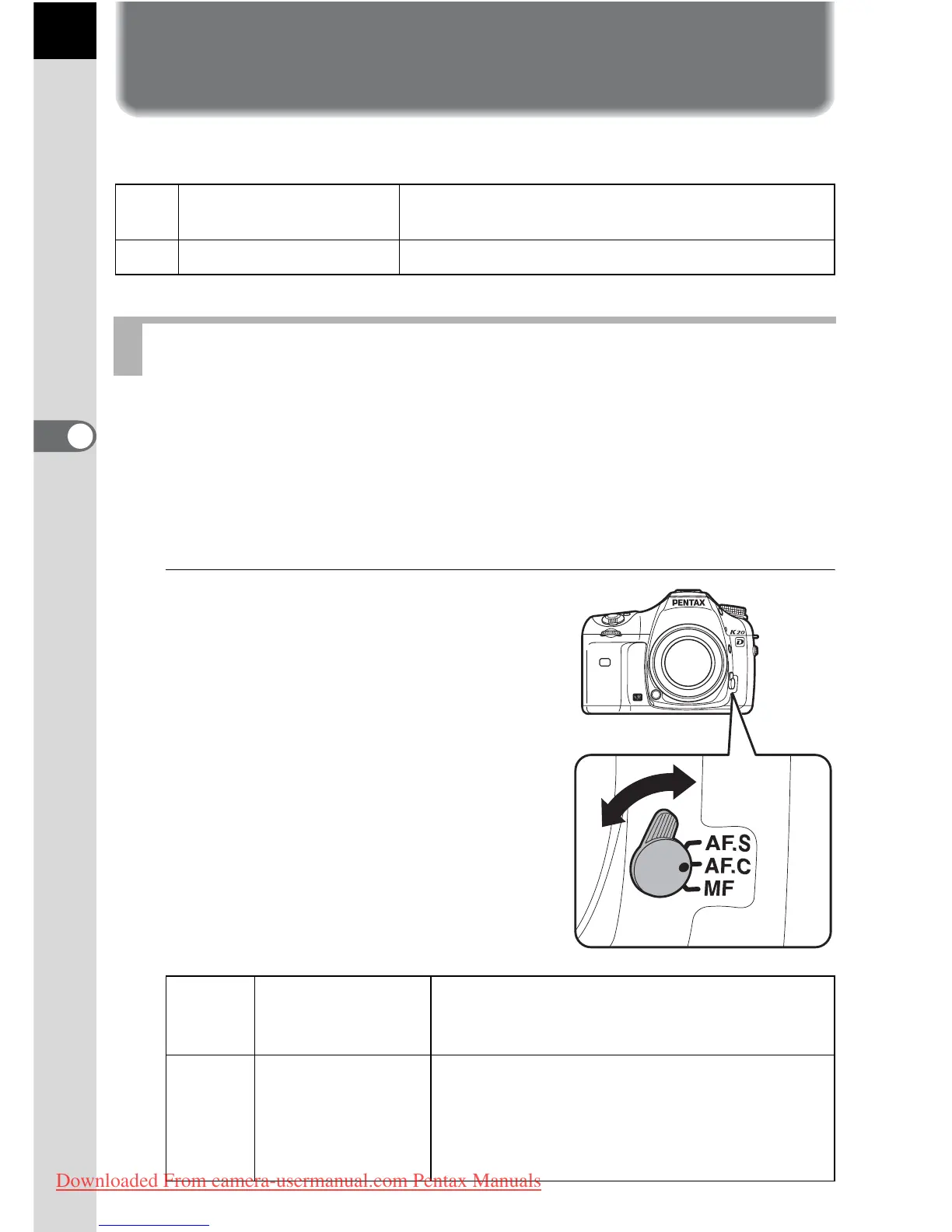
1
Set the focus mode lever to
l or k.
=
Autofocus
The camera is focused when the shutter release
button is pressed halfway.
\
Manual focus Manually adjust the focus.
Using the Autofocus
l
Single mode
When the shutter release button is pressed
halfway to focus on the subject, the focus is
locked at that position.
k
Continuous mode
The subject is kept in focus by continuous
adjustment while the shutter release button
is pressed halfway. Even if the subject is not
in focus, the shutter can be released when
the shutter release button is pressed fully.
Downloaded From camera-usermanual.com Pentax Manuals



 To Next Page