213
Printing from the Camera
9
1
Use the four-way controller (23) to select [DPOF
AUTOPRINT] on the PictBridge menu.
2
Press the 4 button.
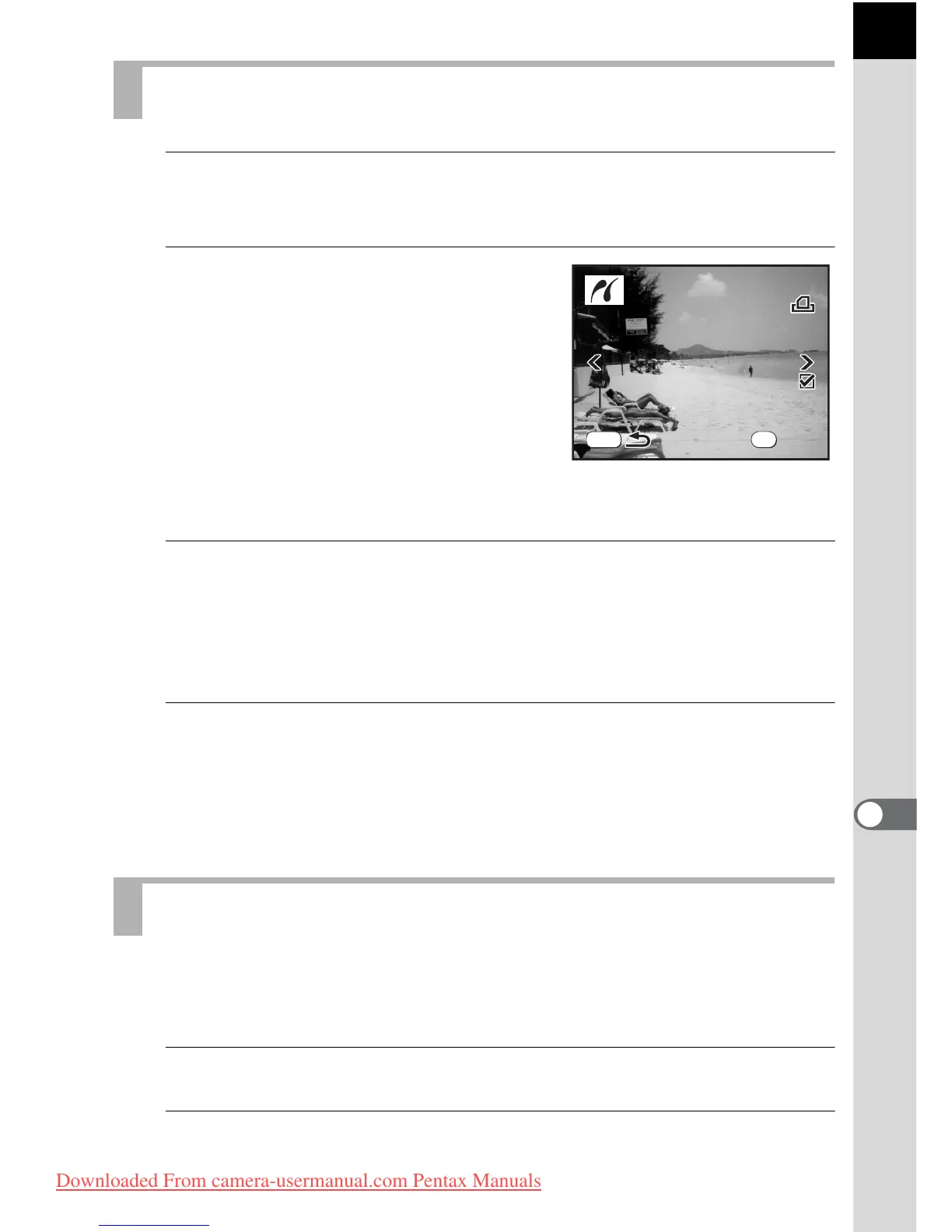
The Print w/DPOF settings screen
appears.
Use the four-way controller (45) to
check the number of copies for each
image, whether the date is imprinted or
not, and total number of copies. The
number of copies and the date setting are
set with the Print Service. (p.204)
3
Press the 4 button.
The print settings confirmation screen appears.
Refer to Steps 7 to 11 of “Printing Single Images” (p.211) for details on
how to change the settings.
4
Press the 4 button on the print settings confirmation
screen.
The images are printed according to the settings.
Press the 3 button to cancel printing.
Disconnect the USB cable from the camera and printer when you have
finished printing.
1
Turn off the camera.
2
Disconnect the USB cable from the camera and printer.
Printing Images Using the DPOF Settings
Disconnecting the USB Cable
1
10



 To Next Page