68
Basic Operations
3
Playing Back Still Pictures
You can play back captured still pictures with the camera.
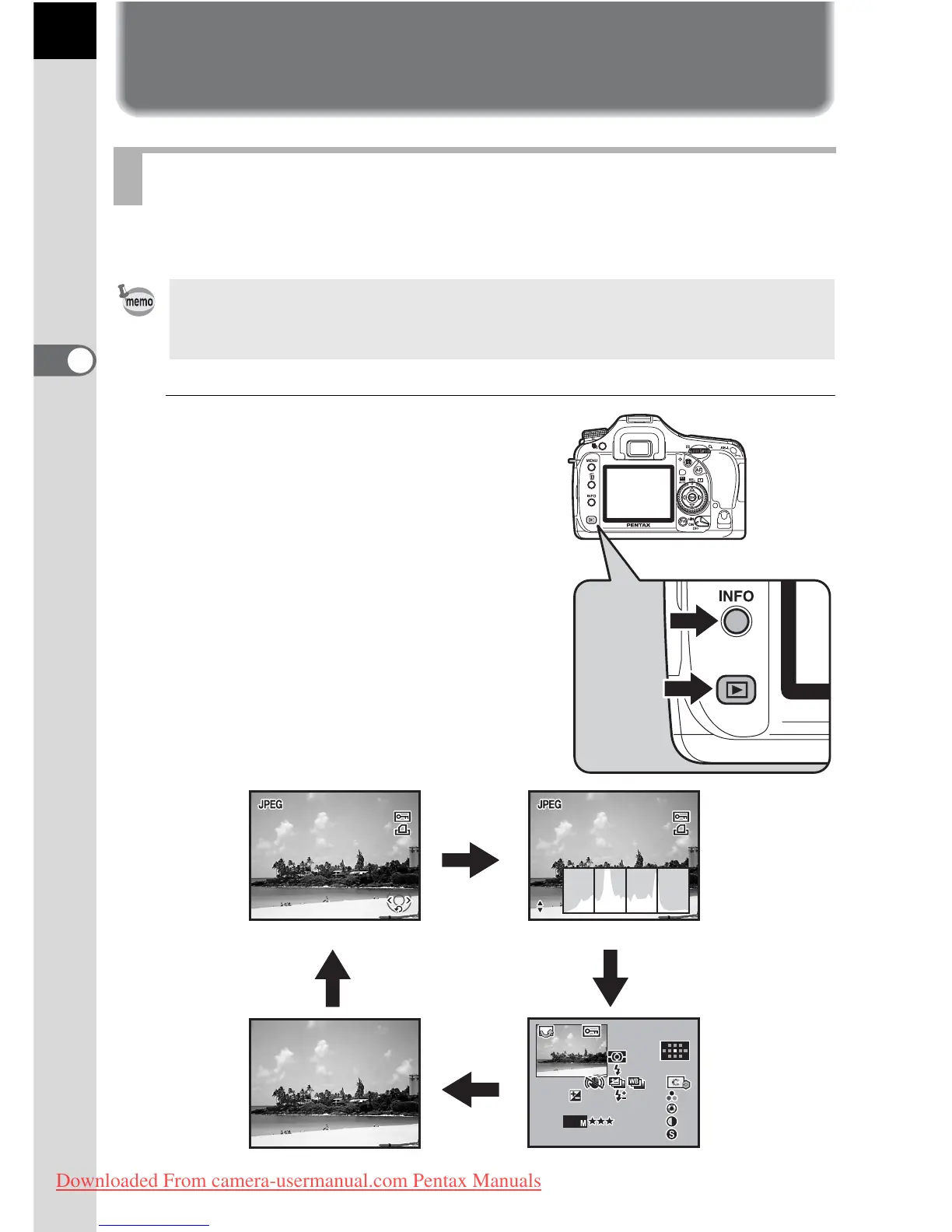
1
Press the Q button after
taking a picture.
The most recently captured image
(image with the largest file number) is
displayed on the monitor.
Press the
M
button during
playback to display information such as
the image data for the displayed image.
Refer to p.25 - p.26 for display
information details.
Playing Back Images
Use the included “PENTAX PHOTO Browser 3” software to play back using a
PC. Refer to the “PENTAX PHOTO Browser 3/PENTAX PHOTO Laboratory 3
Operating Manual” for details.
100-0001
2008//02 02/
Standard display
M
M
M
M
Histogram displayHistogram display
No info. Display Detailed information display
Downloaded From camera-usermanual.com Pentax Manuals



 To Next Page