115
Shooting Functions
4
1
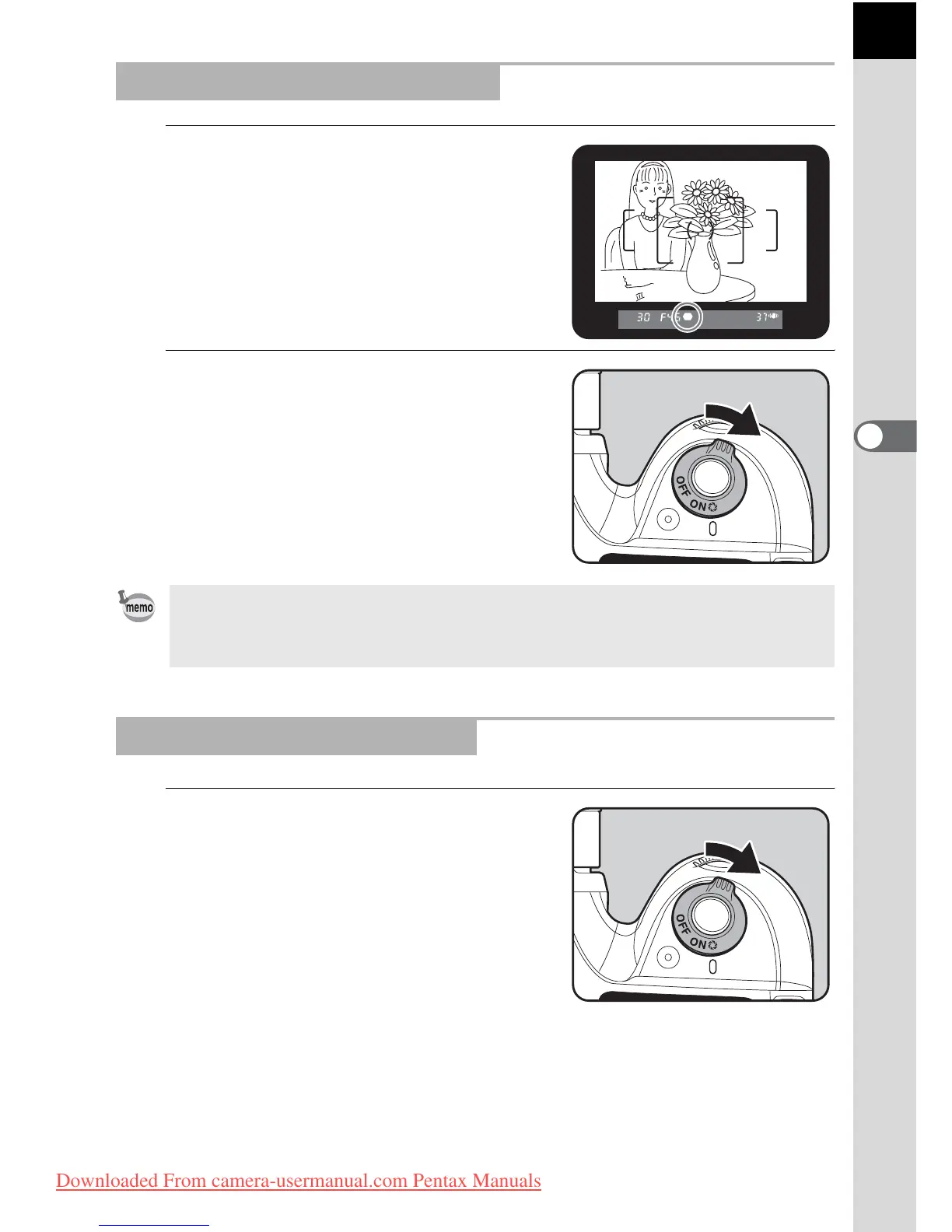
Position the subject inside the
AF frame and press the shutter
release button halfway to focus
on the subject.
2
Turn the main switch to | while
looking through the viewfinder.
You can check the depth of field in the
viewfinder while the main switch is on |.
1
Focus on the subject, then
compose the picture in the
viewfinder and move the main
switch to |.
The icon (|) appears in the monitor
during preview and you can check the
composition, exposure and focus.
Press the shutter release button halfway to end Digital Preview and start
focusing.
Displaying the Optical Preview
• No shooting information is displayed in the viewfinder, and the shutter cannot
be released while the main switch is in the preview position (|).
• You can check the depth of field in all exposure modes.
Displaying the Digital Preview
Downloaded From camera-usermanual.com Pentax Manuals



 To Next Page