194
Processing Images
8
Processing Images with Digital
Filters
You can edit shot images using digital filters. Processed images are saved
under a different name.
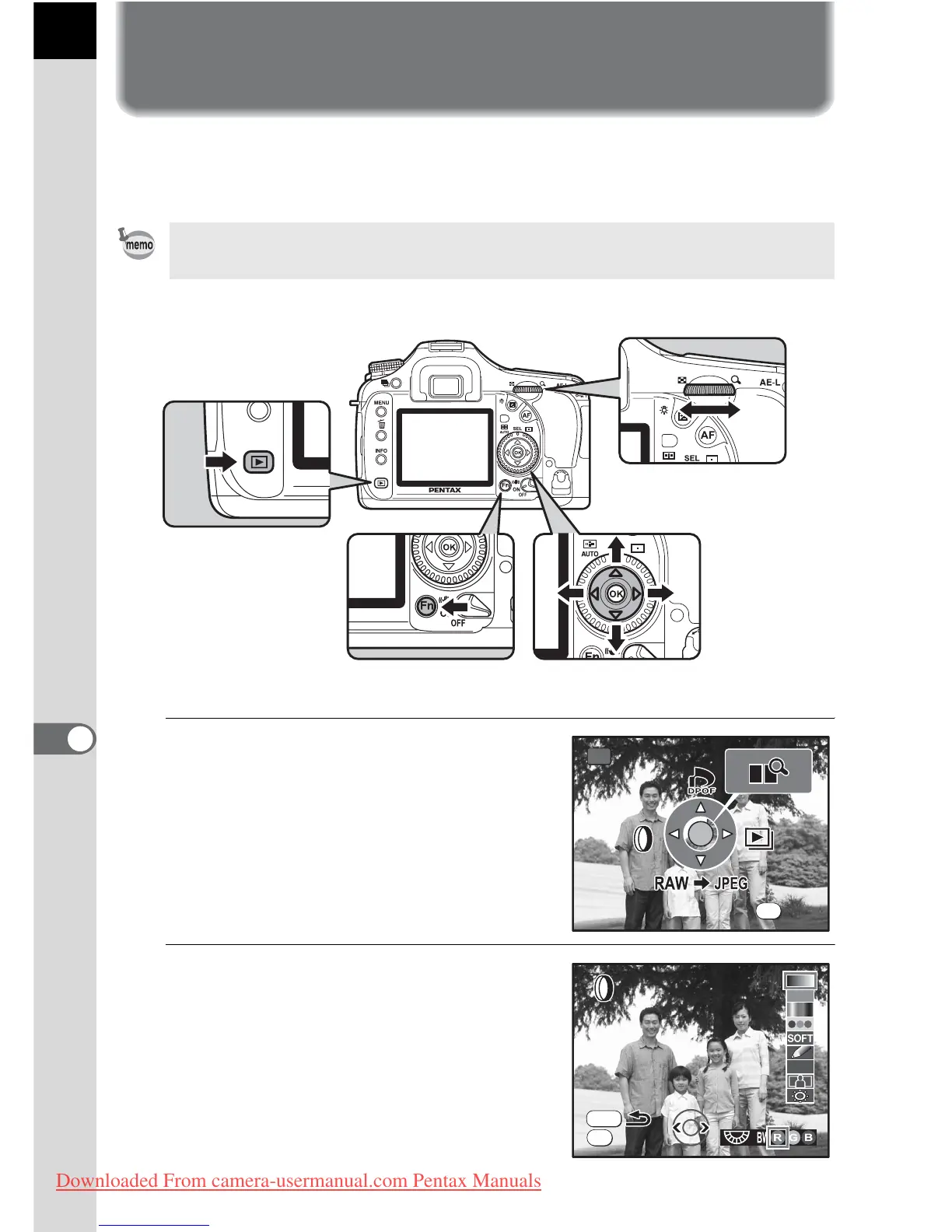
1
Press the { button in Playback
mode.
The Fn menu appears.
2
Press the four-way controller
(4).
The screen for selecting the filter
appears.
TIFF and RAW images cannot be processed using the digital filter.
Fn
OK
Fn
Exit



 To Next Page