32
Before Using Your Camera
1
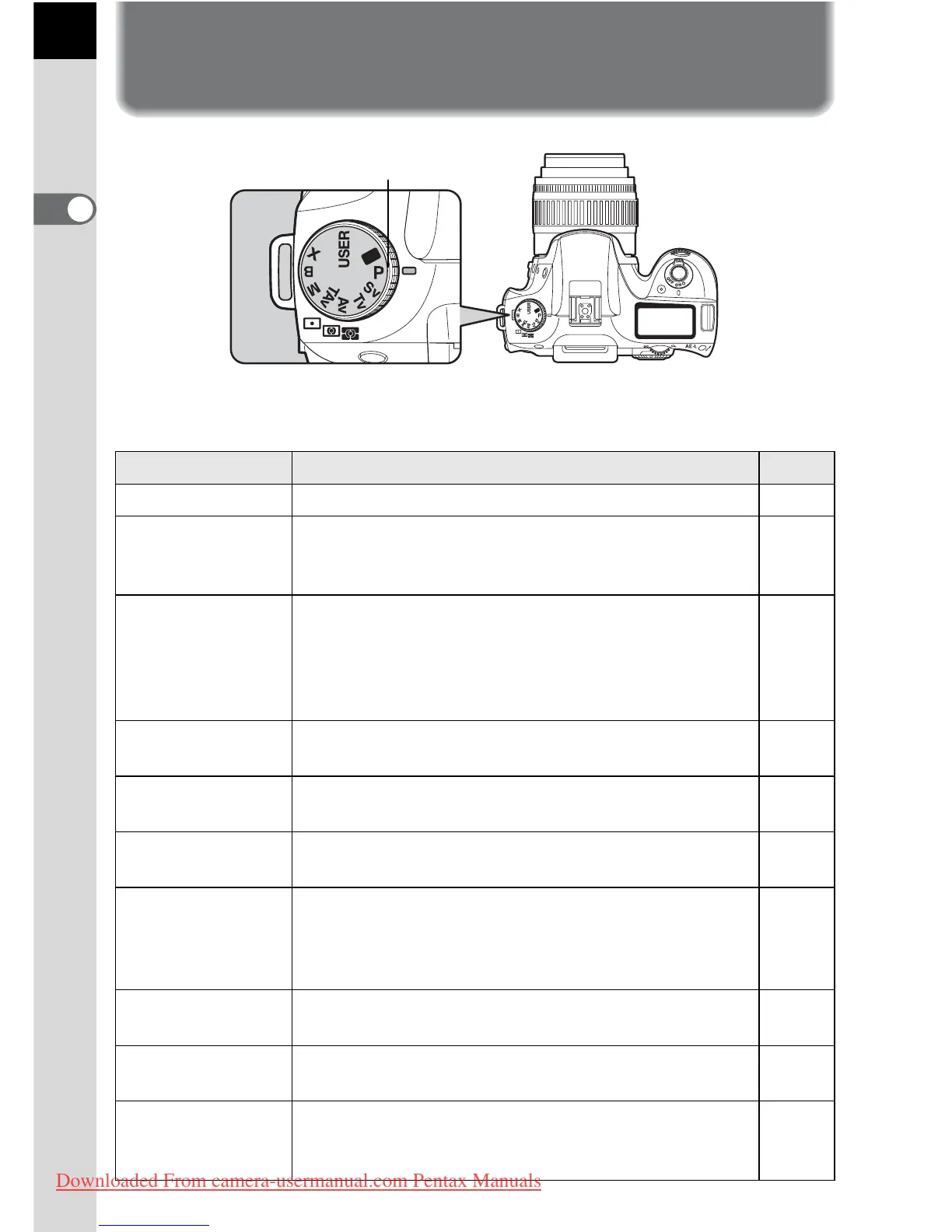
Using the Mode Dial
You can switch the Exposure mode by setting the icons on the mode dial
to the dial indicator.
Item Function Page
A (USER) Lets you capture images with settings that you set. p.133
B (Green)
Automatically sets shutter speed and aperture to the
proper exposure according to Program line when
taking pictures.
p.83
e (Hyper-
program)
Automatically sets shutter speed and aperture to the
proper exposure according to Program line when
taking pictures. You can use the front and rear e-
dials to easily switch between shutter priority and
aperture priority.
p.84
K (Sensitivity
Priority)
Automatically sets the shutter speed and aperture to
the proper exposure according to the set sensitivity.
p.85
b (Shutter
Priority)
Lets you set the desired shutter speed to freeze or
emphasize subject movement.
p.87
c (Aperture
Priority)
Set aperture for controlling the depth of field. p.89
L (Shutter &
Aperture Priority)
Automatically sets the sensitivity so that the
selected shutter speed and aperture will give the
proper exposure according to the brightness of the
subject.
p.91
a (Hyper-manual)
Lets you set shutter speed and aperture to capture
the picture with creative intent.
p.93
p (Bulb)
Lets you capture images that require slow shutter
speeds such as fireworks and night scenes.
p.96
M (Flash X-sync
speed)
The shutter speed is locked at 1/180 seconds. Use
this when using an External flash that does not
automatically change the shutter speed.
p.97
Dial indicator
Downloaded From camera-usermanual.com Pentax Manuals



 To Next Page