219
Camera Settings
10
Setting the Beep Setting, Date and
Time, and Display Language
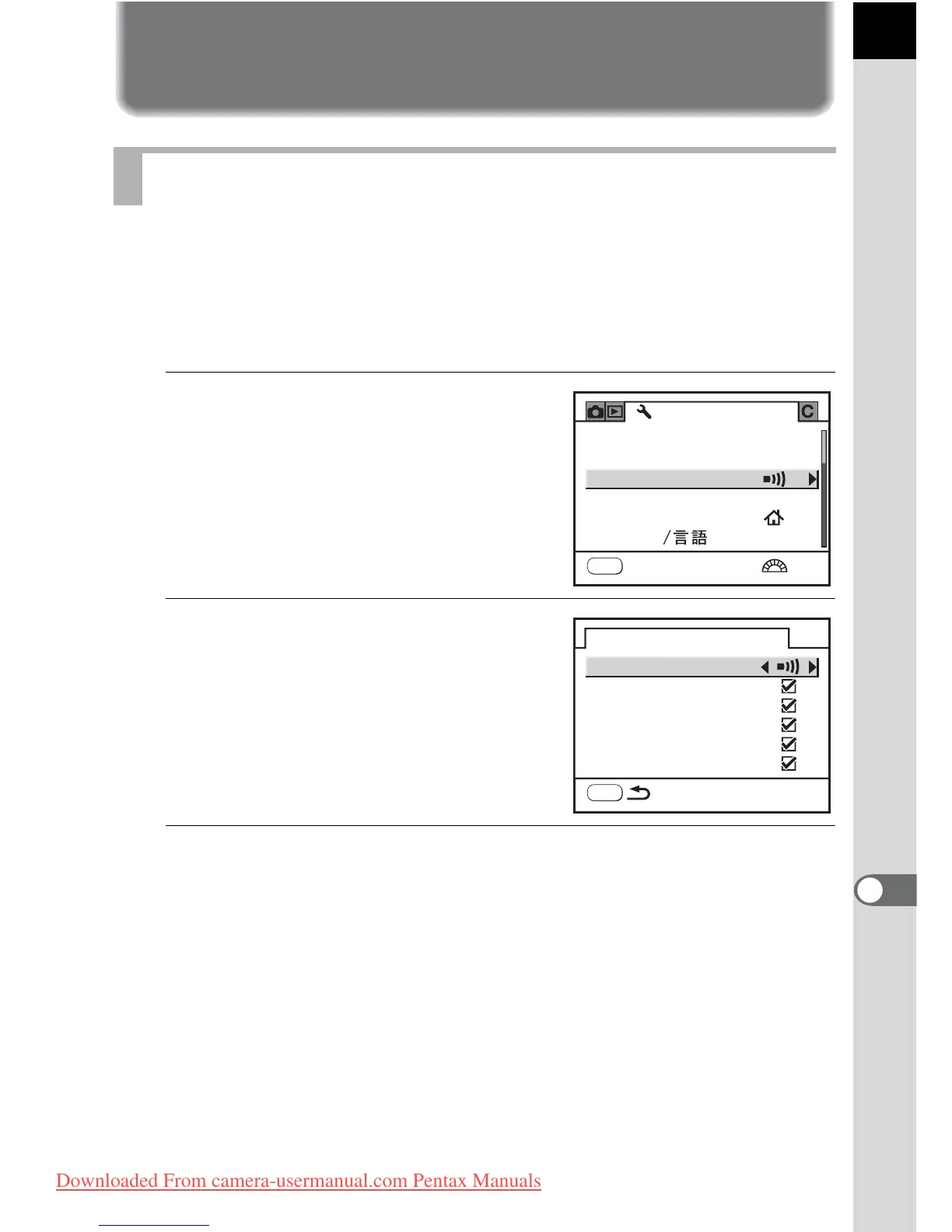
You can turn the camera operation beep on or off. The default setting is all
O (On).
There are five items that you can set: In-focus, AE Lock, | button, Self-
timer and Remote Control.
1
Select [Beep] in the [R Set-up]
menu.
2
Press the four-way controller
(5).
3
Select an item and use the four-way controller (45) to
select On or Off.
You can turn all the beeps off by selecting [Setting] and pressing the four-
way controller (45).
Turning the Beep On and Off
MENU
USER
1/4
Set-up
EnglishLanguage
Format
World Time
Date Adjust
Beep
Exit
Beep
In-focus
AE-L
RAW
Self-timer
Remote Control
MENU
Setting
Downloaded From camera-usermanual.com Pentax Manuals



 To Next Page