200
Processing Images
8
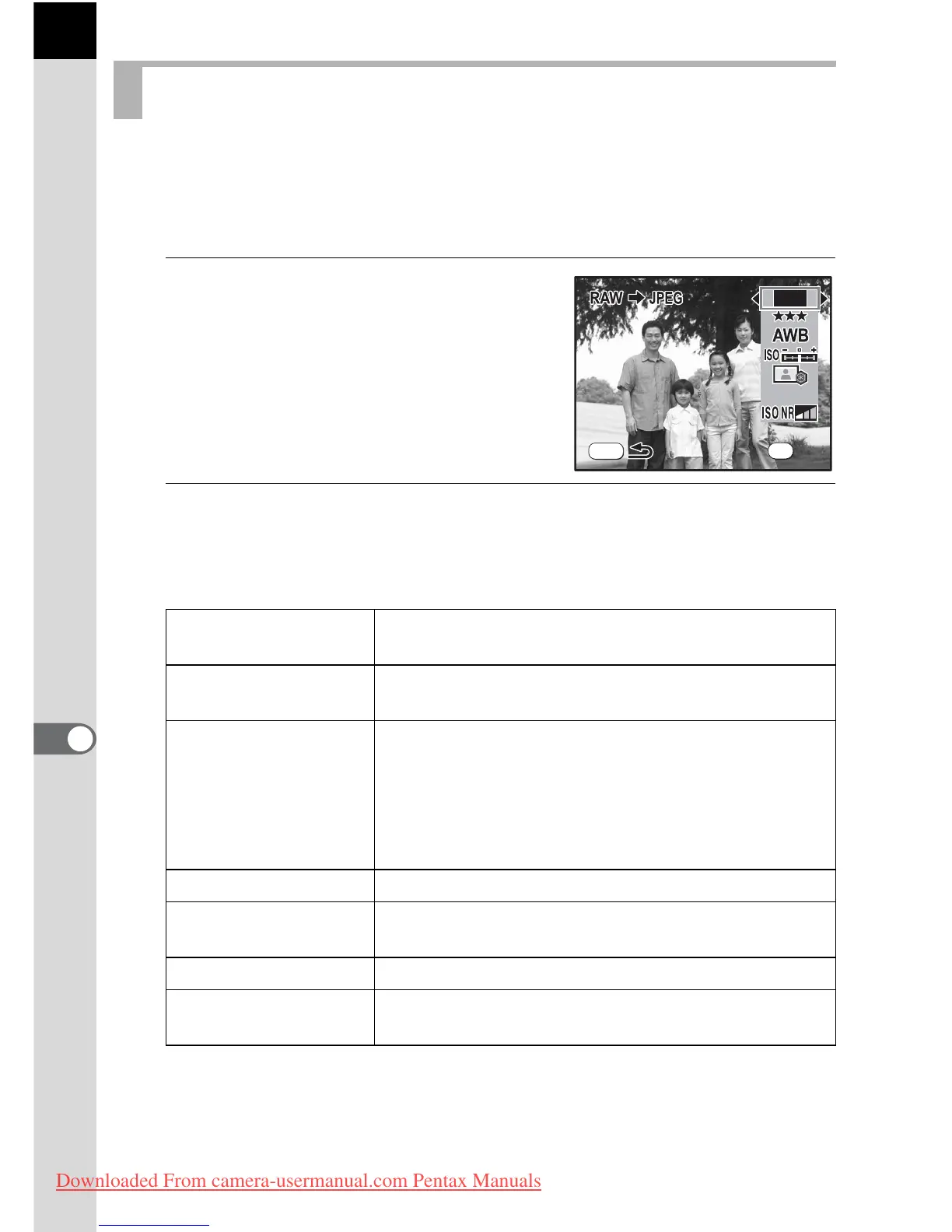
Specifies the parameters for editing RAW images. When multiple images
are selected, all images are edited with the same parameters.
If Quality Level is not set to [TIFF], images are saved as JPEG images.
1
Select [Change Setting] in Step 3
of p.197 or Step 5 of p.199 and
press the 4 button.
The parameter setting screen appears.
2
Use the four-way controller (23) to choose the parameter
you want to change.
The following parameters can be changed.
*1 If Quality Level is set to [TIFF], this is fixed at X.
*2 White Balance cannot be set for RAW files taken in Multi-exposure mode.
Specifying the Parameters
JPEG Recorded
Pixels
*1
X(4672×3104)/J(3872×2592)/
P(3008×2000)/i(1824×1216)
Quality Level
Z (Premium)/C (Best)/
D (Better)/E (Good)/TIFF
White Balance
*2
F (Auto), G (Daylight), H (Shade), ^
(Cloudy), JN (Daylight white fluorescent lights),
JW (White light fluorescent lights), JD (Daylight
colors fluorescent lights), I (Tungsten Light), E
(Flash), K (Manual), Color Temperature (three
types)
Sensitivity –2.0~+2.0
Custom Image
Image Tone/Saturation (Filter Effect)/Hue (Toning)/
Contrast/Sharpness
Color Space sRGB/AdobeRGB
High-ISO Noise
Reduction
Noise reduction level (4 levels)
MENU
14.6
M
OK



 To Next Page