75
Shooting Functions
4
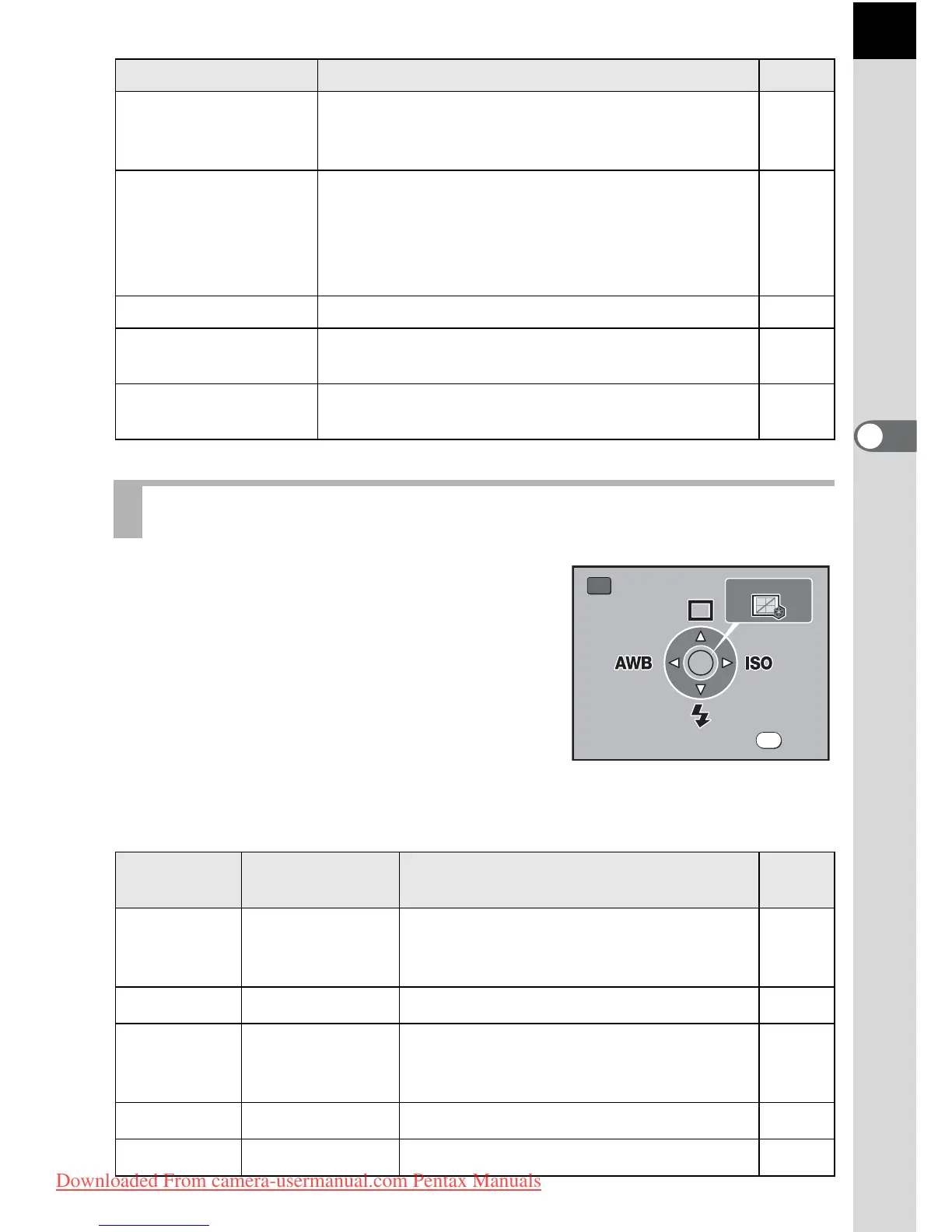
Press the { button in Capture mode. The
Fn menu appears.
Press the four-way controller (2345)
or the 4 button to set the operation.
31. Display
Sensitivity
Sets whether to switch the number of recordable
images in the LCD panel and viewfinder to the
sensitivity display.
-
34. Catch-in focus
When set to [On], if the focus mode is set to l
and a manual focus lens is attached, catch-in
focus shooting is possible and the shutter is
released automatically when the subject comes
into focus.
p.112
35. AF Adjustment Performs AF adjustment. p.106
36. Using aperture
ring
Sets to enable shutter release when lens
aperture ring is set at other than s.
p.251
Reset Custom
Function
Resets all the settings in the Custom Setting
menu to the defaults.
p.239
Shooting Fn Menu Setting Items
Key or
Button
Item Function Page
2
Drive Mode
Selects Continuous shooting, Self-timer
or Remote control.
p.117,
p.122,
p.125
3
Flash Mode Adjusts the method of flash discharge. p.61
4
White Balance
Adjusts the color balance to match the
type of the light source illuminating the
subject.
p.160
5
Sensitivity Sets the sensitivity. p.78
4
Custom Image Sets image processing. p.154
Item Function Page
Exit



 To Next Page