110
Shooting Functions
4
Set [6. AE-L with AF locked] in the [A Custom Setting] menu (p.73) to lock
the exposure value while focus is locked. Exposure is not locked by default
during focus lock.
When you adjust the focus manually, you can either check with the focus
indicator in the viewfinder or use the viewfinder matte field to adjust focus.
The focus indicator ] appears when the subject is in focus even during
manual focus.
You can manually adjust the focus using the focus indicator ].
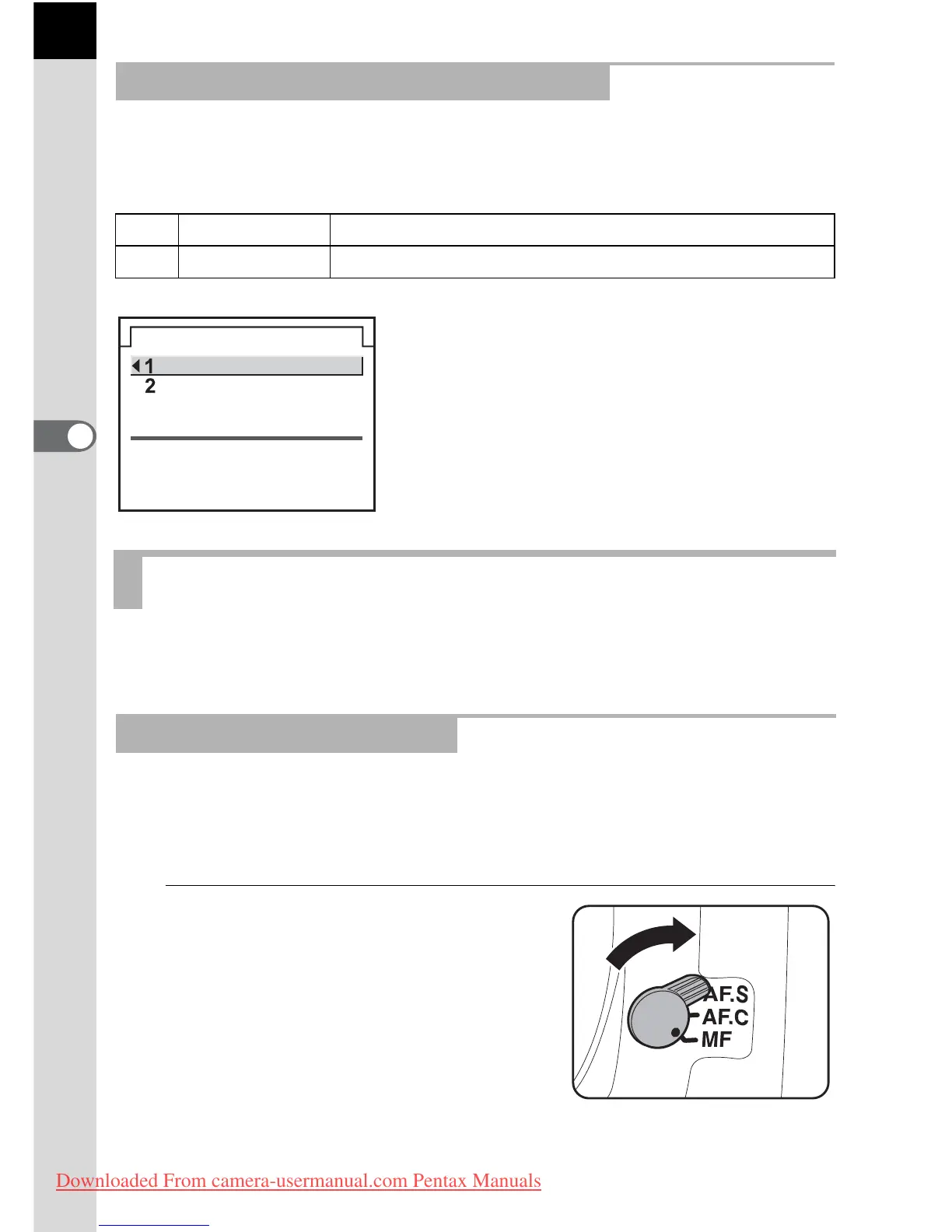
1
Set the focus mode lever to
\.
Locking Exposure when Focus is Locked
1
Off Exposure is not locked when focus is locked.
2
On Exposure is locked when focus is locked.
Adjusting the Focus Manually (Manual Focus)
Using the Focus Indicator
6.
AE-L with AF locked
AE is not locked
when the focus
is locked
Off
On
Downloaded From camera-usermanual.com Pentax Manuals



 To Next Page