198
Processing Images
8
4
Press the 4 button.
The save confirmation screen appears.
5
Use the four-way controller (23) to select [Save as].
Press the 3 button to return to the previous screen. Select [Cancel]
and press the 4 button to return to single-image playback mode.
6
Press the 4 button.
The edited image is saved under a different name.
Selects and edits multiple RAW images.
1
Press the { button in Playback mode.
The Fn menu appears.
2
Press the four-way controller (3).
3
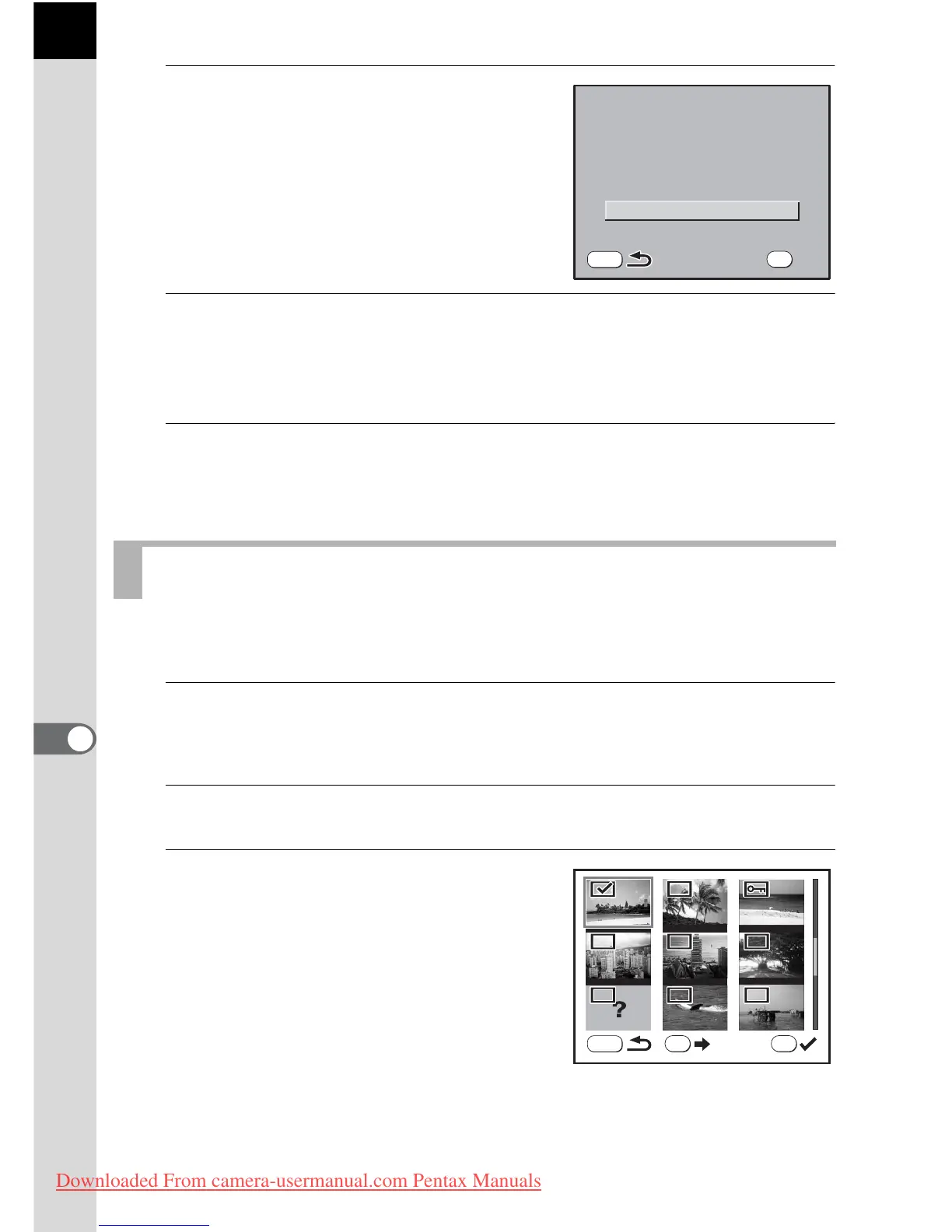
Press the { button.
The multi-image display screen appears.
Editing All RAW Images
Save image as a new file



 To Next Page