195
Processing Images
8
3
Use the four-way controller (45) to select an image.
4
Use the four-way controller (23) to select a filter.
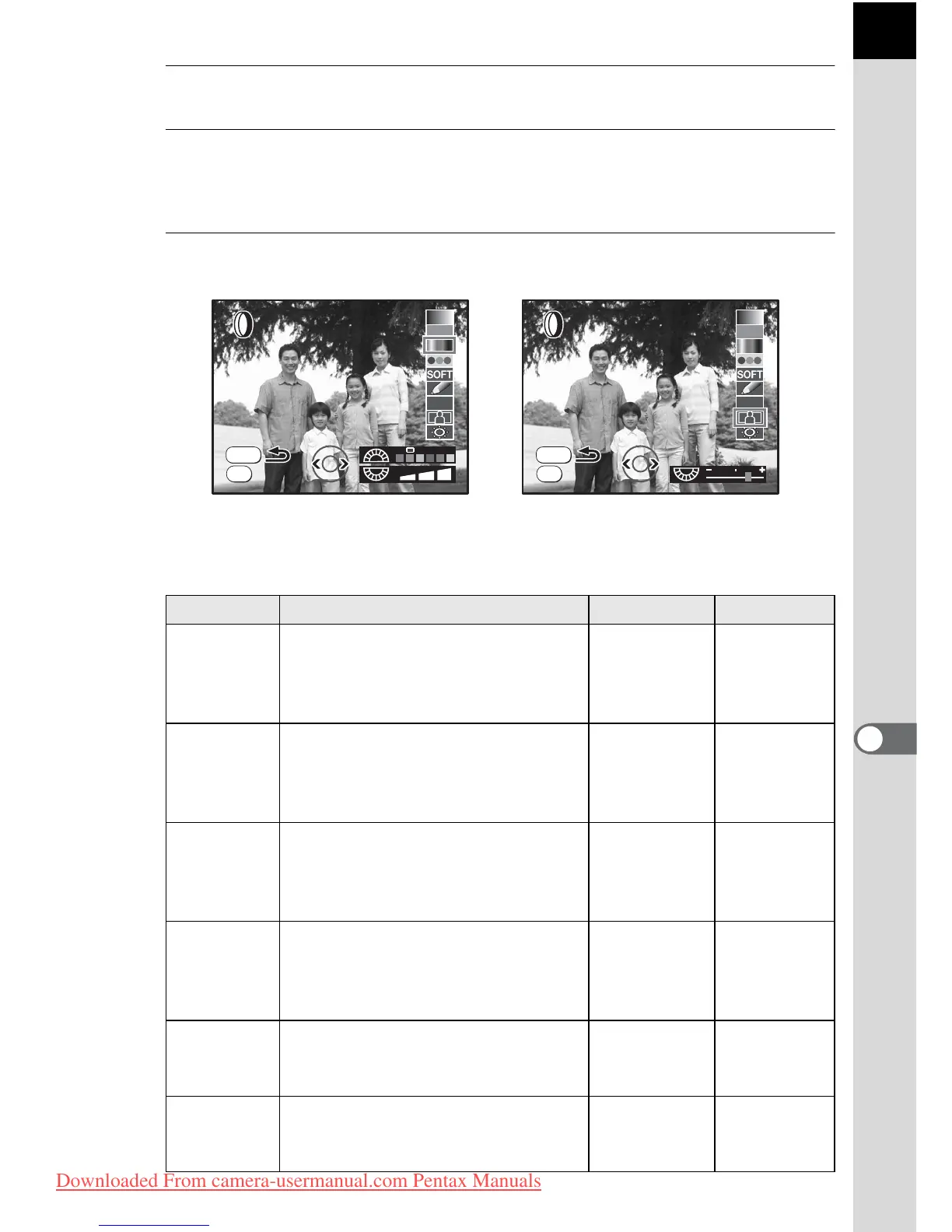
Select a filter and preview the effects on the image.
5
Adjust with the front e-dial and rear e-dial.
Filter name Function Front e-dial Rear e-dial
B&W
Converts to a black and white
image. Changes the contrast to
appear as if a B&W color filter
was used.
—BW/R/G/B
Sepia
Adds a vintage touch to photos by
converting them to sepia color.
Select from three levels of
density.
—
Density
(3 levels)
Color
Adds a color filter to the image.
Select from 18 filters (6 colors × 3
tones).
Red/Green/
Blue/Yellow/
Magenta/
Cyan
Density of
each color
(3 levels)
Extract
Color
Leaves the selected color in the
image and converts the rest of the
image to the same color. Select
from six extracted colors.
—
R/G/B/
Y/M/C
Soft
Creates a soft image by lightly
fading the entire image. Select
from three levels.
—
Soft level
(3 levels)
Illustration
Creates an image that looks as
though it was drawn with a pencil.
The setting cannot be adjusted.
——
MENU
OK
HDR
OK



 To Next Page