187
Playback Functions
7
3
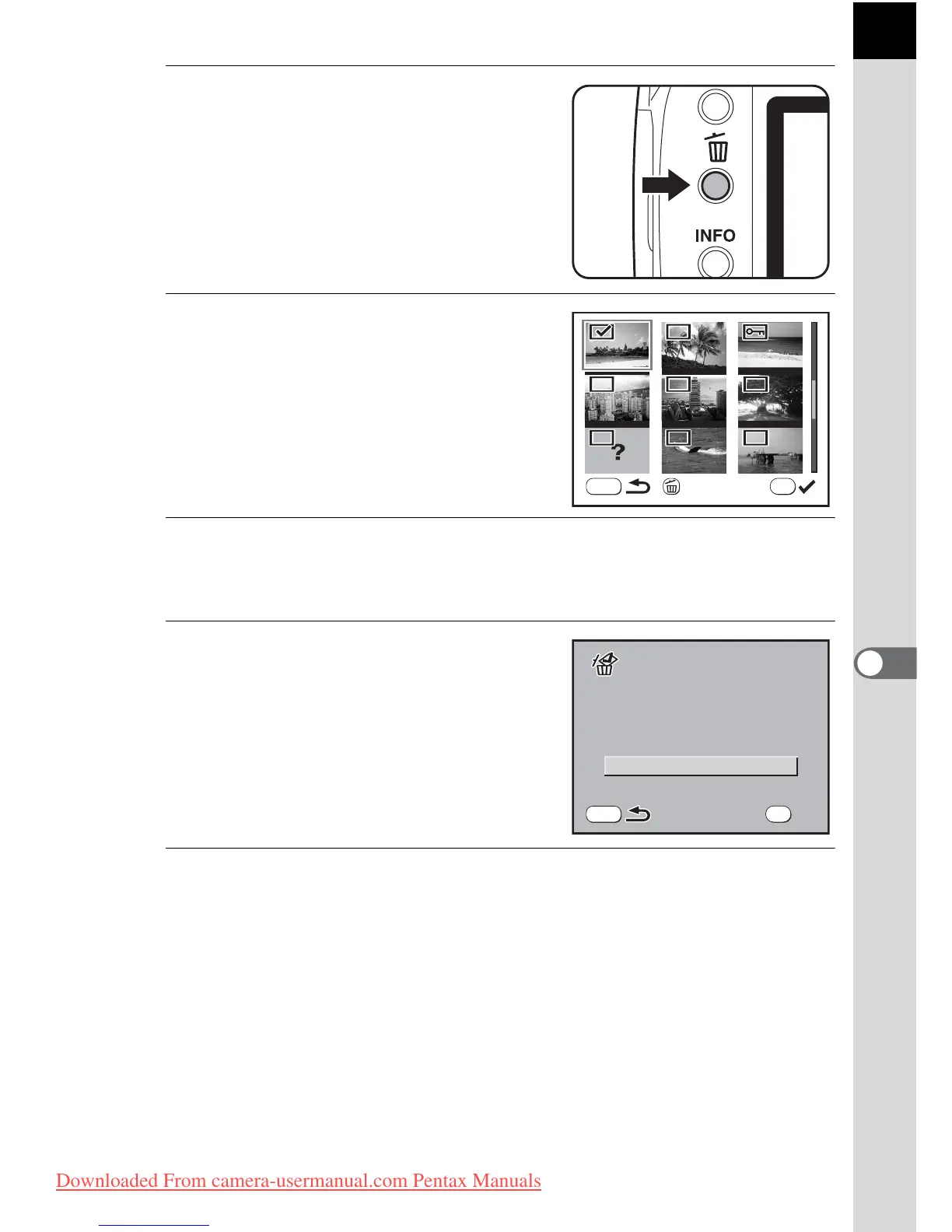
Press the i button.
9 appears on the images.
4
Use the four-way controller
(2345) to move to the images
to delete and press the 4
button.
Image is selected and O appears.
Protected images cannot be selected.
5
Press the i button.
The Delete confirmation screen appears.
6
Use the four-way controller
(23) to select [Select&Delete].
7
Press the 4 button.
The selected images are deleted.
Delete
MENU
OK
Select&Delete
MENU
OK



 To Next Page