26 . Frontier IR Single-range Spectrometers User's Guide
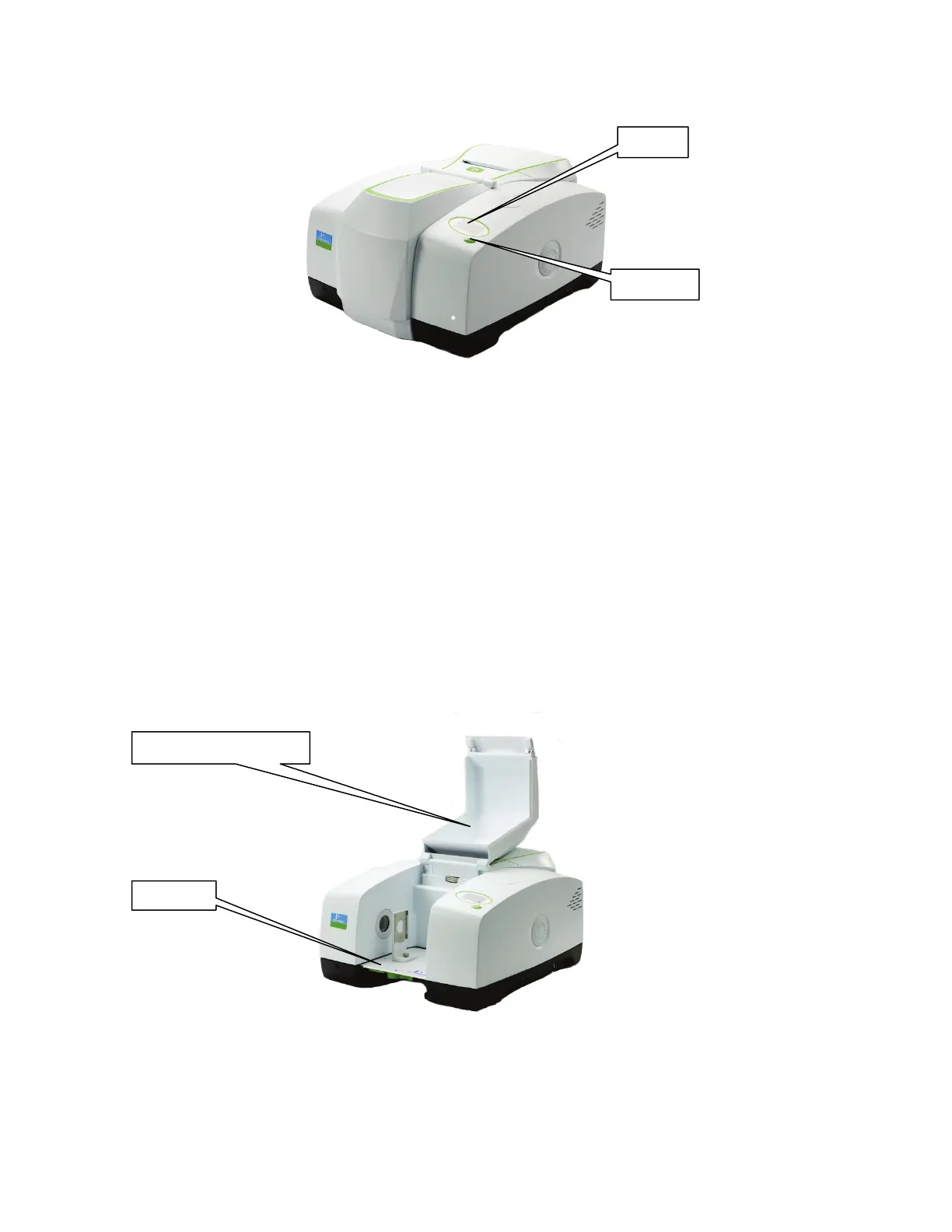
Top panel controls
Figure 4 Top panel controls
The display on the front right of the top of your instrument has two purposes:
• To display messages generated by the instrument’s firmware, such as those that monitor
initialization and diagnostics when the instrument is switched on.
• To display prompts and other messages generated by Spectrum software.
The instrument’s Go button is used in concert with the displayed prompts and other
messages generated by Spectrum software. It allows you to Start and Halt data collection
while you are away from your computer.
The sample compartment
The instrument has a large purgeable sample compartment (Figure 5) located at the front of
the instrument.
Figure 5 Sample compartment














 To Next Page