44 . Frontier IR Single-range Spectrometers User's Guide
Basics of Software Control
Starting Spectrum software
1. Switch on the power to the instrument using the switch on the rear of the instrument.
The instrument will initialize, which will take approximately 2 minutes.
NOTE:
It can take the instrument about two hours to equilibrate when switched on after
being switched off overnight. To save time, we suggest that you leave the instrument
switched on at all times.
2. From the Start menu select Programs; the PerkinElmer Applications group; the
Spectrum sub-group and then the Spectrum application.
OR
Double-click the shortcut icon on the desktop.
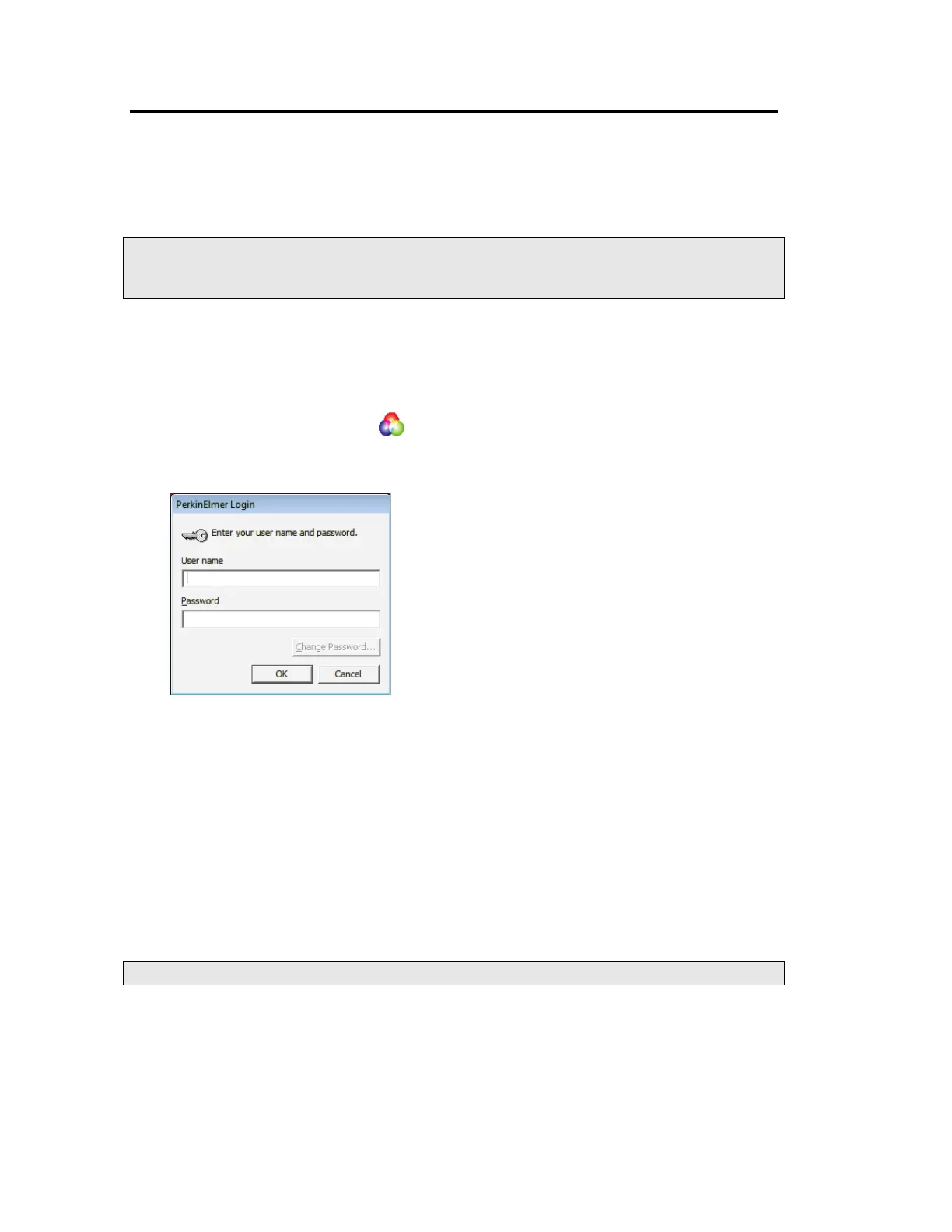
The Spectrum start-up splash-screen is displayed, followed by a dialog that may require
your login details:
3. If required, enter your User name and Password, and then click OK.
If you already have an instrument set up in Spectrum or AssureID software for this user
on this PC, the Instrument Connection dialog may be displayed, unless Auto Connect is
set up for the instrument. If Auto Connect is enabled Spectrum will automatically
connect to the instrument.
4. Select the Instrument you want to use.
OR
If you want to work with data that has been collected previously, without connecting to
an instrument, select work offline.
NOTE: Working offline can free a networked instrument for use by another user.
Spectrum starts.














 To Next Page