46 . Frontier IR Single-range Spectrometers User's Guide
You can use the Sample Shuttle Accessory (L1200302) to set up an interleaved cycle scan so
that you do not have to open the sample compartment between the background and sample
scans. This helps to reduce changes in the concentration of carbon dioxide and water vapor
in the sample compartment. Set the Scan Type to Interleaved on the Setup Instrument
Basic tab. See the Spectrum on-screen Help for more information.
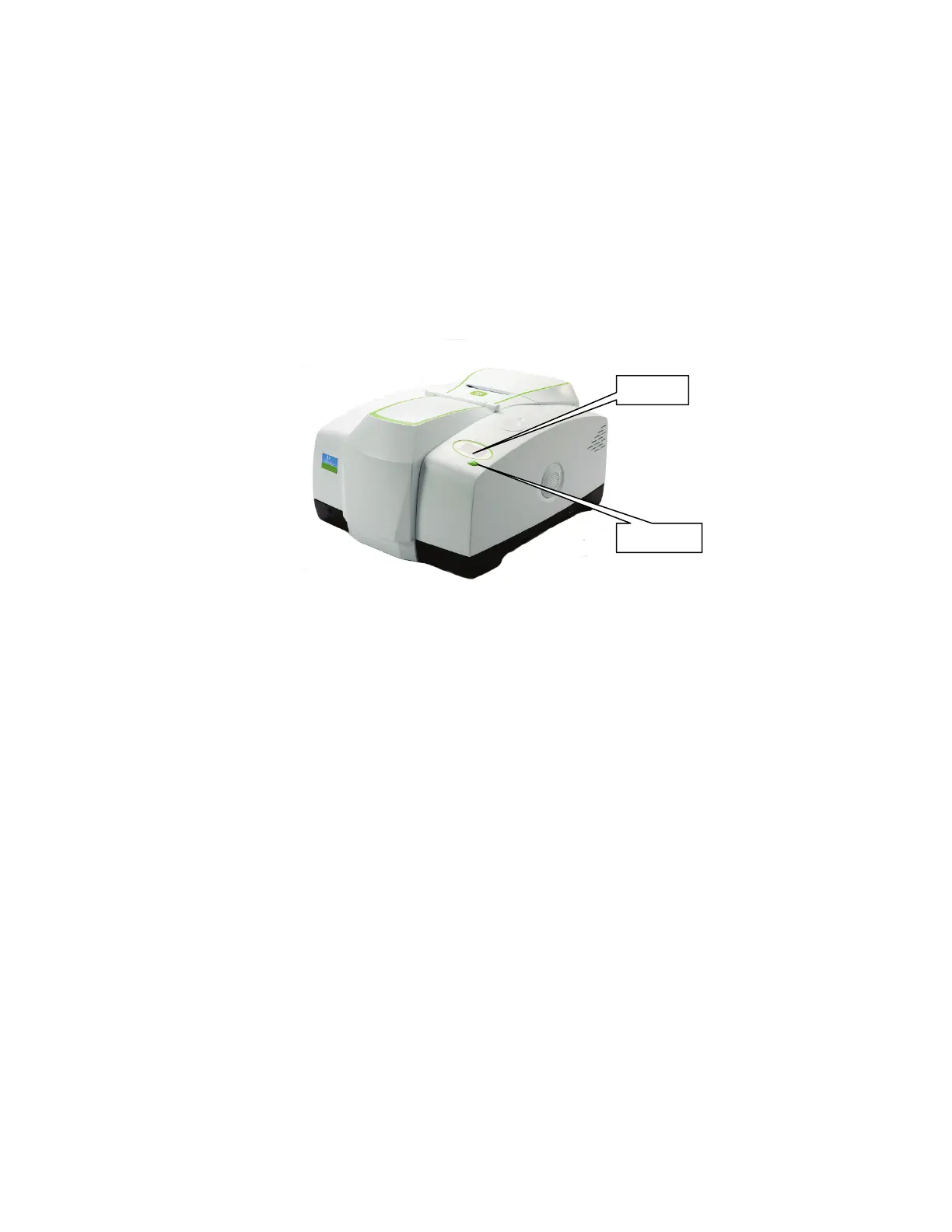
Working with the instrument display and Go button
The display on the top of your instrument is used to display prompts and other messages
generated by Spectrum software.
Simply follow the prompts in the instrument display and use the Go button located on the
instrument to complete a series of sample scans.
Figure 15 Top panel controls
Changing the beam path
Hover over the icons on the Setup Instrument BeamPath tab to identify elements in the
instrument beam path. As you click on each item, the appropriate row in the Settings Table is
highlighted.
The accessory fitted in the sample compartment is identified by a graphic element in the
beam path schematic. If an external accessory is fitted at the beam port on the right of the
instrument, or a Spotlight Imaging System is fitted, the Setup Instrument BeamPath tab
includes additional elements that enable you to redirect the beam path to the accessory you
want to use.














 To Next Page