38 . Frontier IR Single-range Spectrometers User's Guide
Connecting up the Spectrometer
Connecting to the PC
NOTE:
To control your instrument from a PC, use the crossover cable supplied.
To control your instrument over your network, use a standard Ethernet cable (not
supplied).
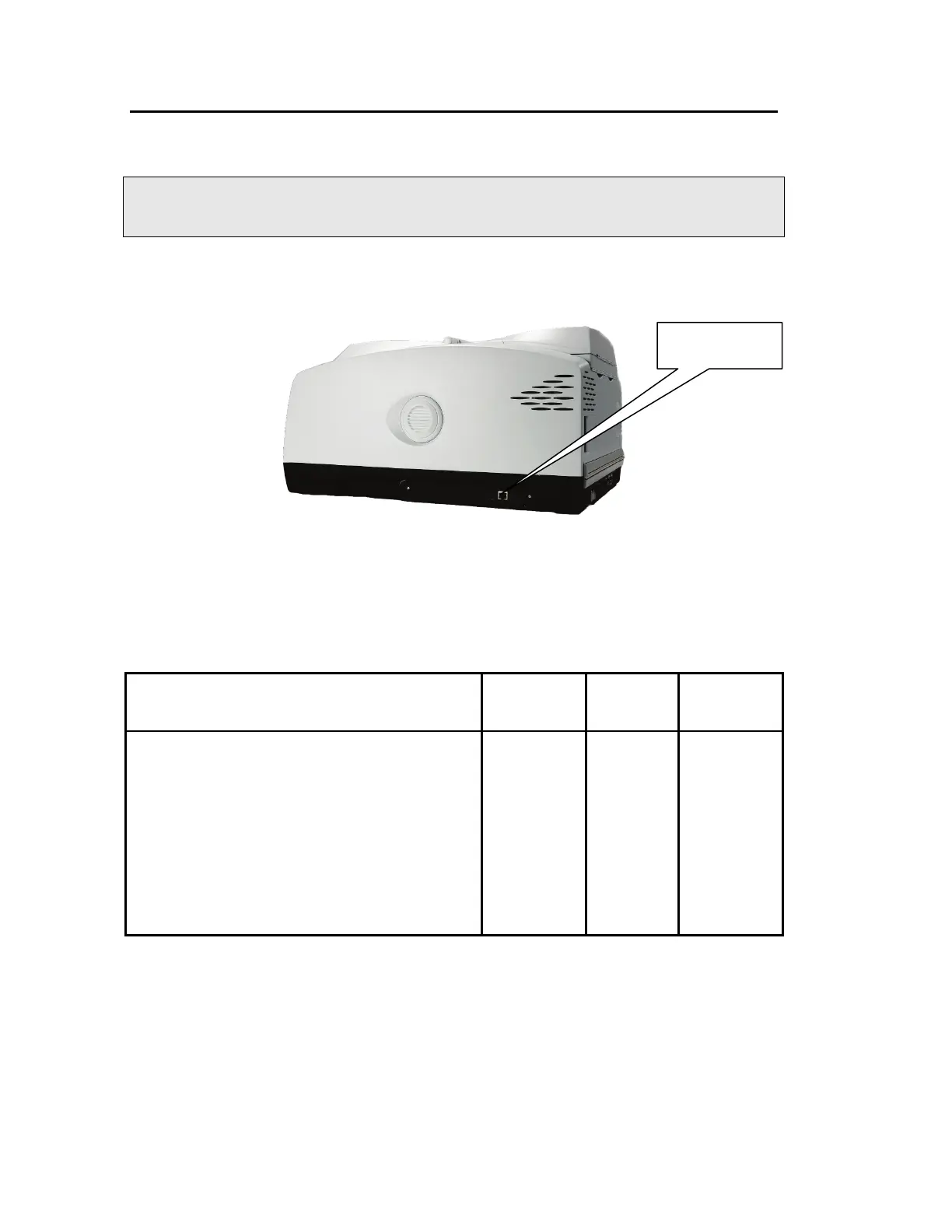
1. Plug one end of the cable into the connector port on the right-hand side of the
instrument (Figure 11).
Figure 11 PC connection port
2. Plug the other end of the cable into the network connection on your PC (if you are using
the crossover cable) or network hub (if you are using a standard Ethernet cable).
Connector details
Description Connector
Type
Voltage Maximum
Current
10/100 Base-T Ethernet connector. This is the
standard interface between the PC and the
instrument, or between a Local Area Network
(LAN) and the instrument. If connecting directly
from the PC to the instrument use the Category 5
UTP Cross-Over cable supplied. If you are
connecting to your network, use a standard
Ethernet cable.
DO NOT USE THE CROSS-OVER CABLE TO
CONNECT TO YOUR NETWORK.
Ethernet <5 V <100 mA
PC or network
connection port














 To Next Page