90 . Frontier IR Single-range Spectrometers User's Guide
Appendix 1: Changing the Sampling Accessory
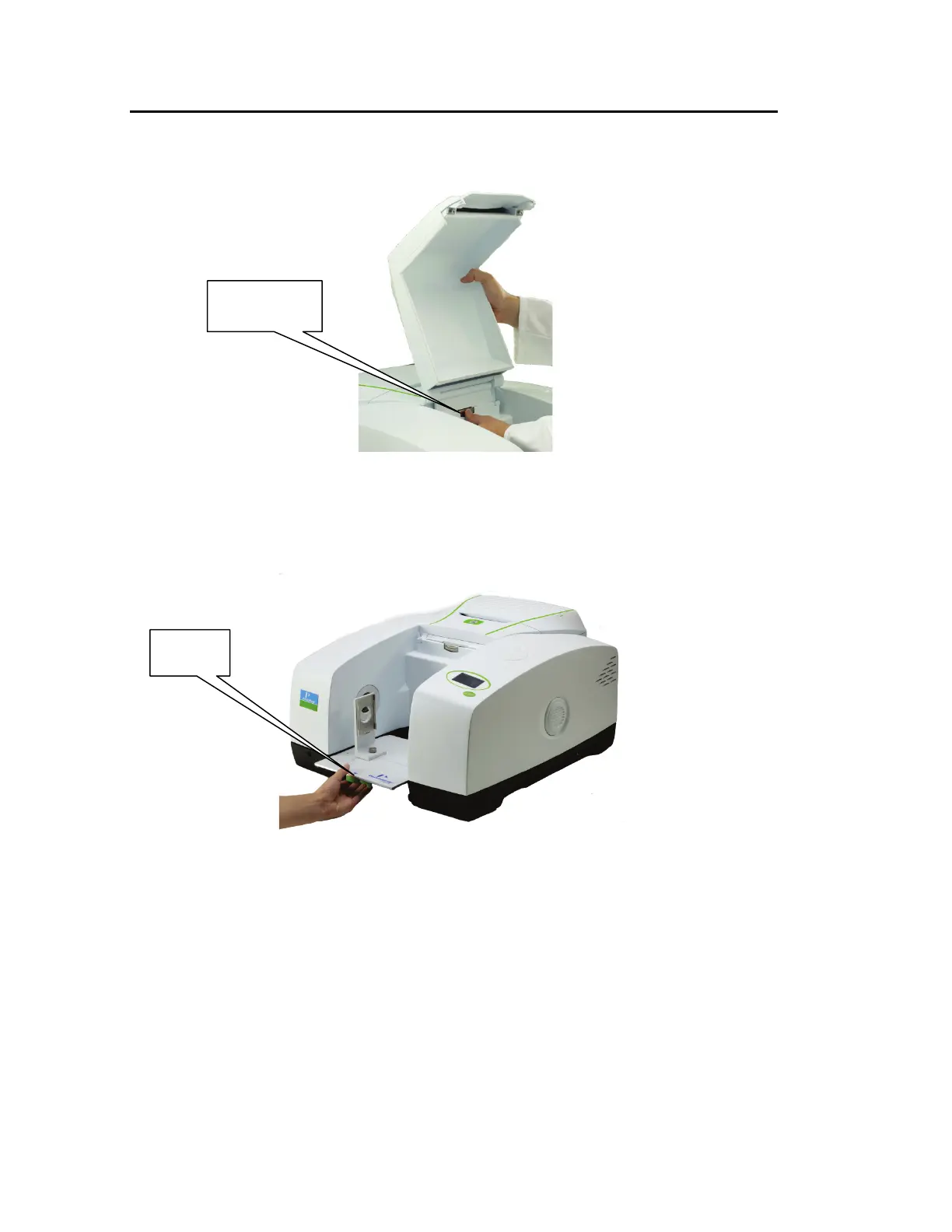
1. Remove the sample area cover if fitted by opening the cover, pressing the clip and
pulling the cover vertically to remove (Figure 58).
Figure 58 Removing the sample area cover
2. Remove the current sampling accessory by pulling the release handle (under the
baseplate of the accessory) towards you and then sliding the accessory towards you
(Figure 59).
Figure 59 Removing a sampling accessory
release clip














 To Next Page