An Overview of the Frontier IR Single-Range Spectrometers . 29
Imaging systems
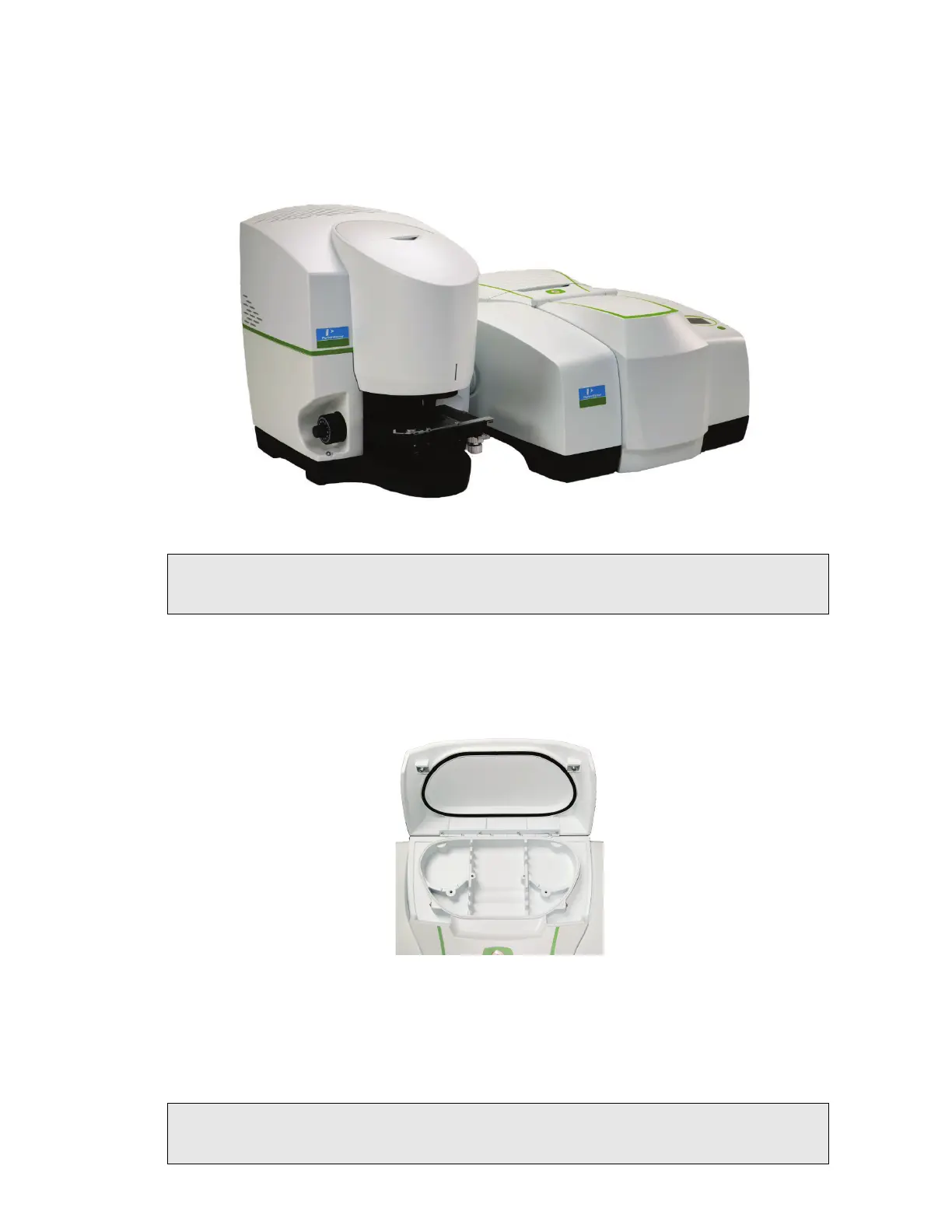
The external port on the left side of the instrument is used with the Spotlight Imaging
Systems and Multiscope Imaging Systems (Figure 8).
Figure 8 Spotlight 150: Microscope and Frontier FT-IR spectrometer
NOTE: To use your instrument with a microscope, you require the optional External Beam
Pack. If you did not purchase the External Beam Pack with your spectrometer, it is
available as a field-fitted upgrade (L1280248).
Storage compartment
You can store your polystyrene reference film, sample slides and other small accessories in
the storage compartment on the top of the spectrometer (Figure 9).
Figure 9 Storage compartment on top of the spectrometer
Power switch and communication ports
The power switch, AC power cable connector, and communications ports are on the rear of
the instrument. The power switch is marked I/O (on/off).
NOTE:
It can take the instrument about two hours to equilibrate when switched on after
being switched off overnight. To save time, we suggest that you leave the instrument
switched on at all times.














 To Next Page