84 . Frontier IR Single-range Spectrometers User's Guide
Replacing the Laser and Power Supply
WARNING
Switch off the main power supply to the spectrometer, wait
60 seconds
and disconnect the power cable before you open the cover of
the spectrometer. This makes sure that you are safe from electrical shock
and laser radiation.
WARNING
Do not attempt to separate the Laser from the power supply. The Laser
retains an electrical charge even when the main power is switched off.
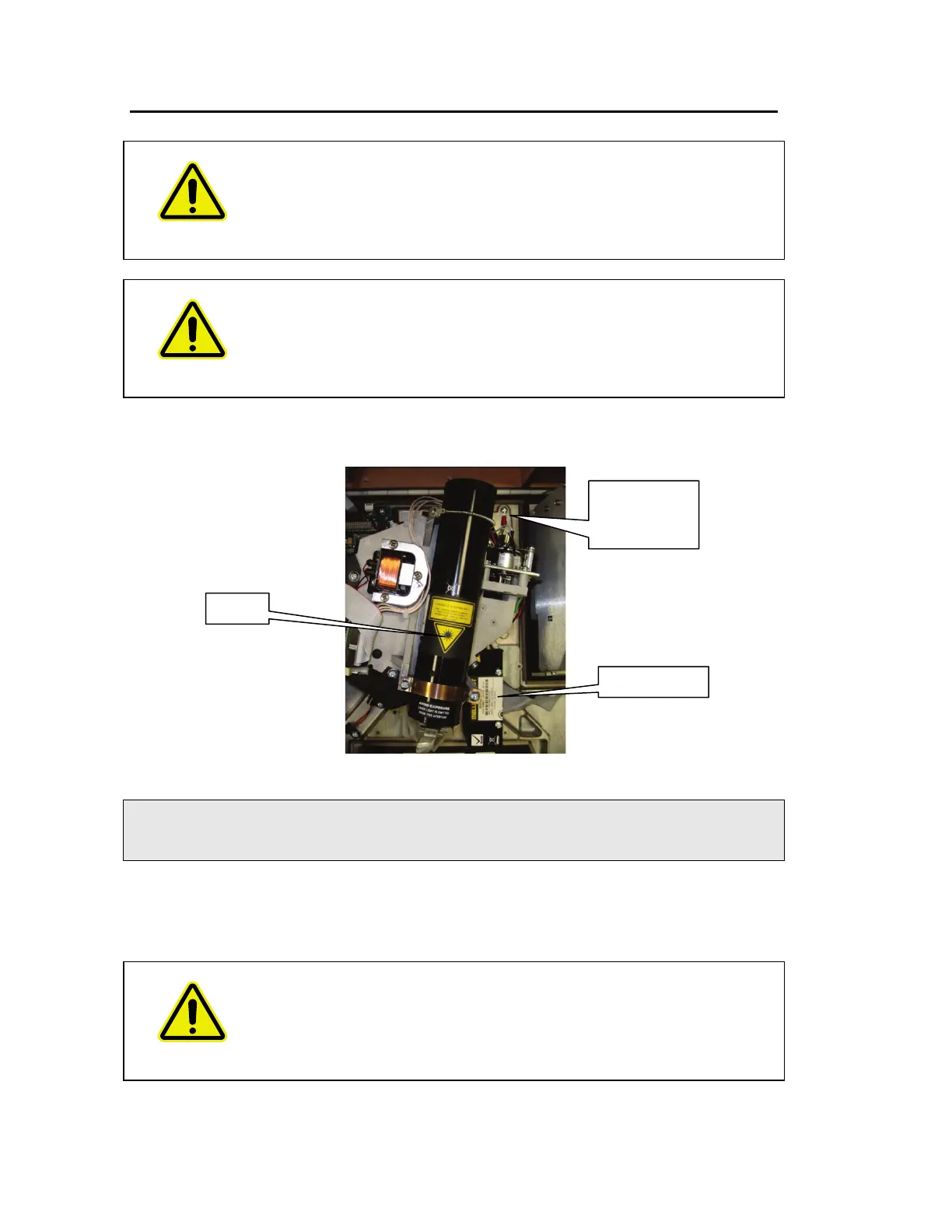
1. Open the main cover of the instrument as detailed on page 70 and identify the laser
and laser power supply (Figure 52).
Figure 52 Laser and power supply
NOTE: If you have the External Beam Pack installed the laser power supply is in a different
position (Figure 52). Follow the procedure in
Replacing the laser and power supply
(External Beam Pack option fitted)
on page 86.
2. Slacken the two screws securing the laser power supply.
3. Disconnect the thin black and red cables from the board connector which is located
under the rear of the laser assembly (Figure 53).
WARNING
Be careful, the nearby source housing may be hot.
location of
power supply














 To Next Page