RepeatPlay37
Follow the steps below to program the TV/VCR to play a tape
over and over
I
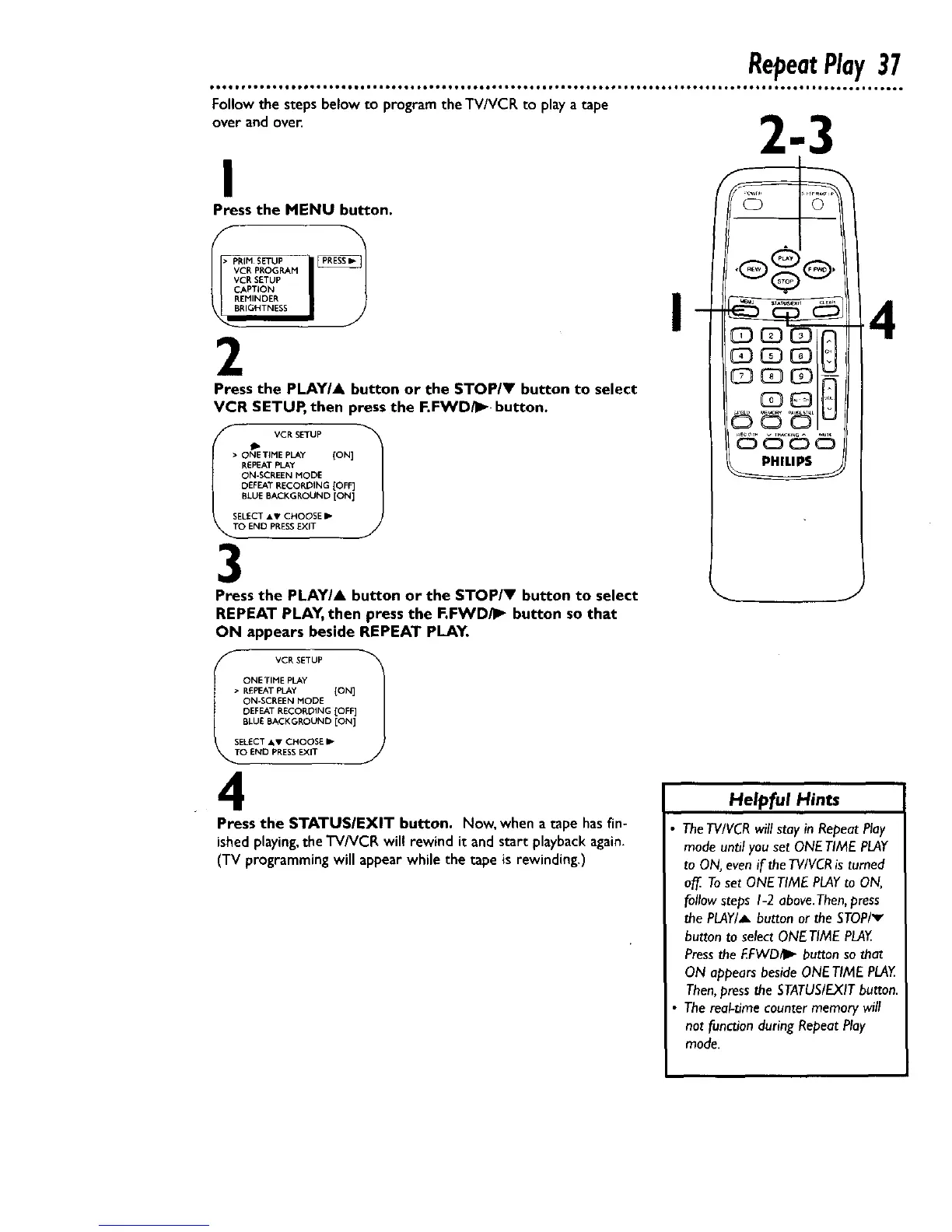
Press the MENU button.
VCR PROGRAM
VCR SETUP
CAPTION
REr41NDER
BRIGHTNESS
2
Press the PLAY/A button or the STOP/_" button to select
VCR SETUP, then press the F.FWD/I_ button.
IT O NII_ET.MVE_R_YTUP ION] !
REPEATPLAy
ON-SCREEN MODE
DEFEAT RECORDING [OFF]
BLUE BACKGROUND [ON]
SELECT AT/ CHOOSE II1=.
O END PRESSEXIT
3
Press the PLAYIA button or the STOP/V button to select
REPEAT PLAY, then press the F.FWD/I_ button so that
ON appears beside REPEAT PLAY•
v
8881n
I VCR SETUP 1
ONETIME PLAY
> REPEAT PLAY [ON]
ON-SCREEN MODE
DEFEAT RECOROING [OFF]
BLUE BACKGROUND [ON]
SEL£CT AV CHOOSE I1_
O END PRESSEXIT
4
Press the $TATUSIEXIT button. Now, when a tape has fin-
ished playing,the TV/VCR wil! rewind it and start playback again.
(TV programming will appear while the tape is rewinding.)
Helpful Hints
TheTVIVCR will stay in Repeat Play
mode until you set ONE TIME PLAY
to ON, even if the TV/VCRis turned
o_ Toset ONETIME PLAYto ON,
follow steps I-2 above.Then, press
the PLAY/_ button or the STOP/v
button to select ONE TIME PLAY.
Pressthe I_FWD/II,, button so that
ON appears beside ONE TIME PLAY.
Then,press the STATUS/EXITbutton.
The real-time counter memory will
not function during Repeat Play
mode.










 To Next Page