BeforeUsingtheTV/VCR5
Putting Batteries in the Remote Control
I
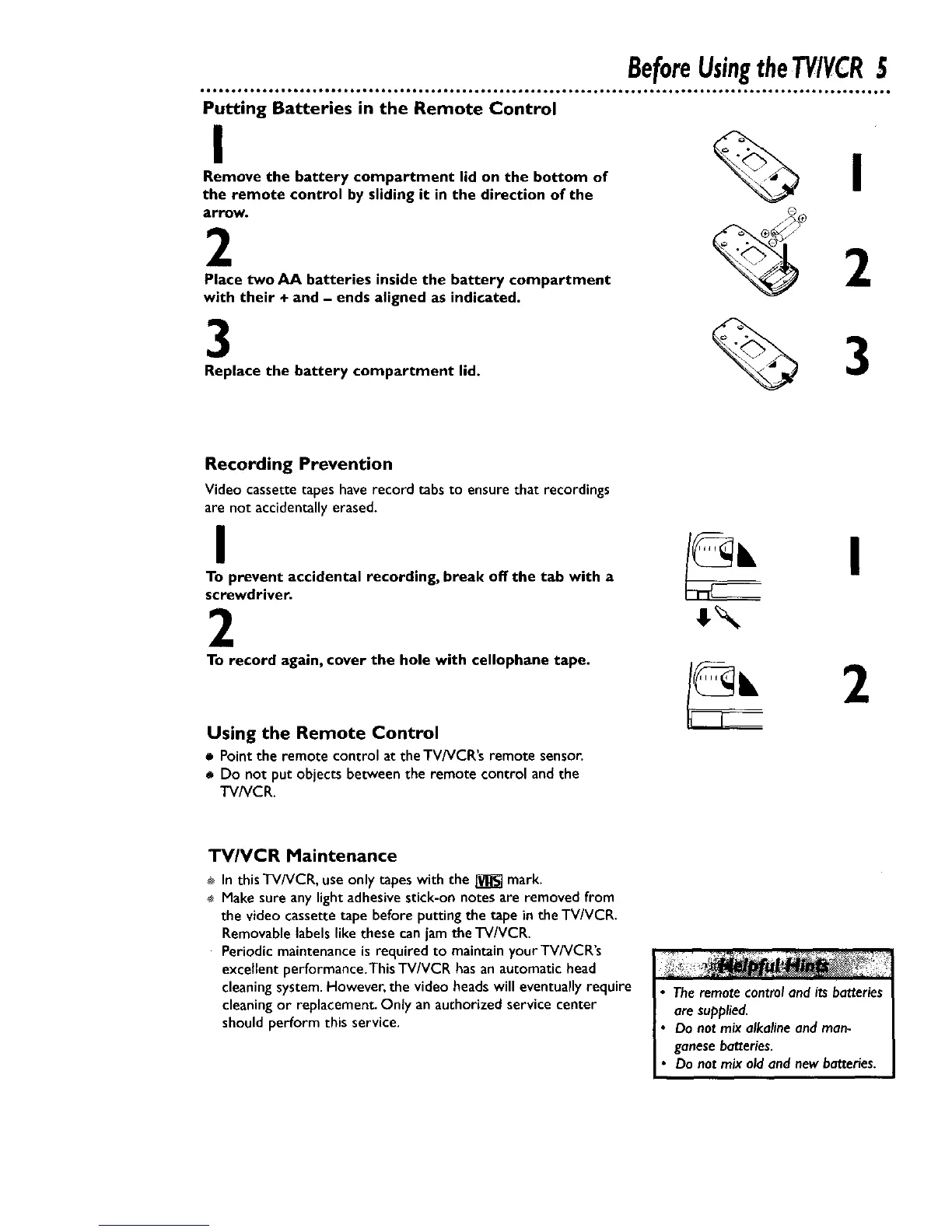
Remove the battery compartment lid on the bottom of
the remote control by sliding it in the direction of the
arrow.
2
Place two AA batteries inside the battery compartment
with their + and - ends aligned as indicated.
3 %3
Replace the battery compartment lid.
Recording Prevention
Video cassette tapes have record tabs to ensure that recordings
are not accidentally erased,
I
To prevent accidental recording, break off the tab with a
screwdriver.
2
To record again, cover the hole with cellophane tape.
Using the Remote Control
• Point the remote control at theTV/VCR's remote sensor.
• Do not put objects between the remote control and the
TV/VCR.
I
2
TV/VCR Maintenance
÷ In this TV/VCR, use only tapes with the _ mark.
Make sure anylight adhesivestick-on notes are removed from
the video cassette tape before putting the tape in theTV/VCR,
Removablelabelslike these can jam the FV/VCR.
Periodic maintenance is required to maintain yourTV/VCR's
excellent performance.This TV/VCR hasan automatic head
cleaning system.However, the video headswill eventually require
cleaningor replacement. Only an authorized service center
should perform this service.
Theremotecontroland its batteries
are supplied,
Do not mix alkalineand man-
ganesebatteries,
Do not mix old and newbatteries.










 To Next Page