I
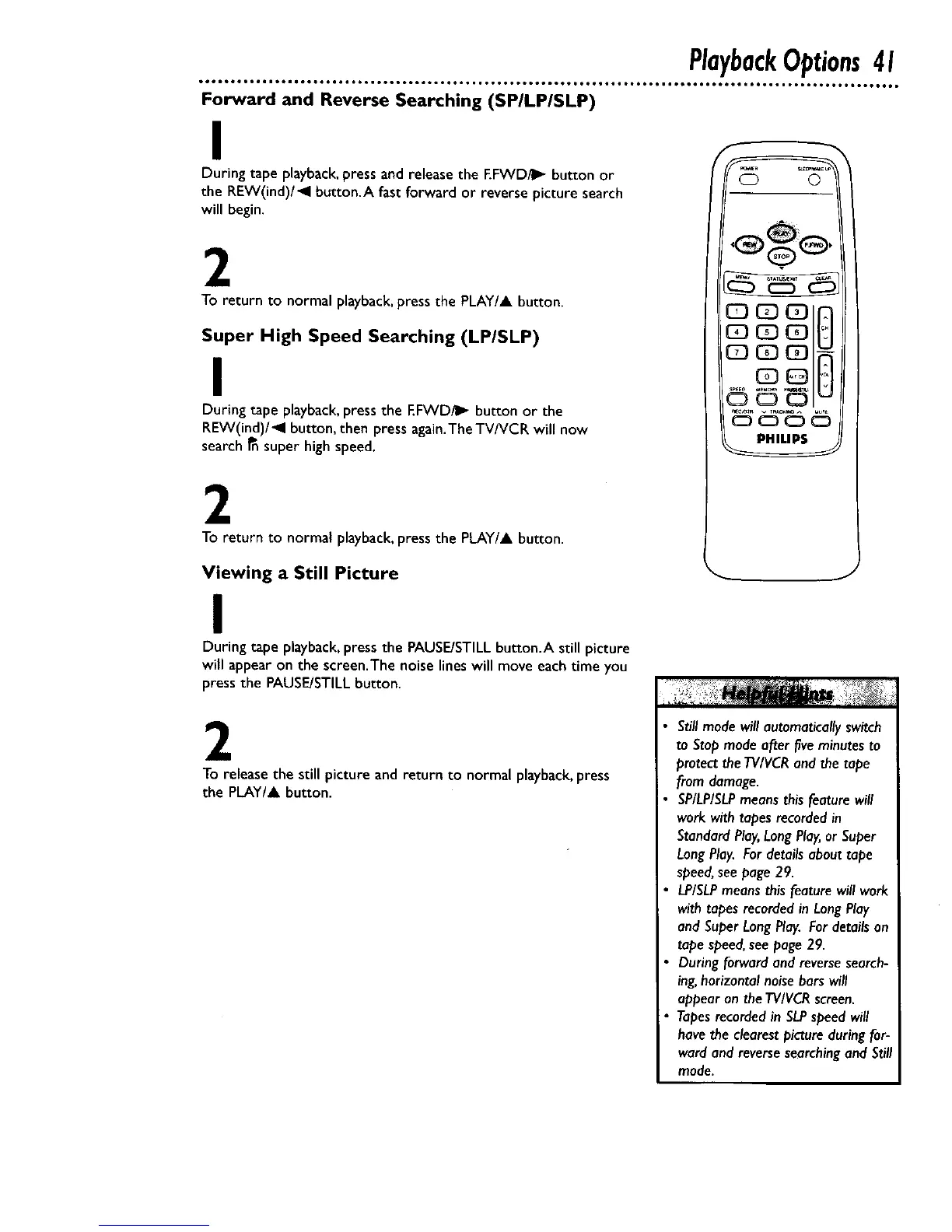
During tape playback,pressand release the EFWDilI_ button or
the REW(ind)/_l button.A fast forward or reverse picture search
will begin.
2
To return to normal playback,press the PLAY/A button.
Super High Speed Searching (LP/SLP)
I
During tape playback,press the F.FWD/I_ button or the
REW(ind)/_l button, then press again.TheTV/VCR will now
search _nsuper high speed.
2
To return to normal playback,press the PLAY/A button.
Viewing a Still Picture
I
During tape playback,press the PAUSE/STILLbutton.A still picture
will appear on the screen.The noise lines will move eachtime you
press the PAUSE/STILLbutton.
2
To releasethe still picture and return to normal playback,press
the PLAY/& button.
J
Stillmodewill automaticallyswitch
to Stopmodeafter fiveminutesto
protecttheTV/VCRandthe tape
from damage.
SP/LP/SLPmeansthis featurewill
work with tapesrecordedin
StandardPlay,LongPlay,or Super
LongPlay.For detailsabout tape
speed,seepage 29.
LP/SLPmeansthisfeature will work
with tapesrecordedin LongPlay
and SuperLongPlay.For detailson
tapespeed,seepage29.
During forwardand reversesearch-
ing,horizontal noisebarswill
appearon the TVIVCRscreen.
Tapesrecordedin SLPspeedwill
havethe clearestpictureduring for-
wardand reversesearchingand Still
mode.










 To Next Page