User Manual Philips MultiOne
© Philips Lighting B.V. 2014 Page 12 / 81
7 Starting MultiOne
Before starting MultiOne, make sure that the correct interface (USB2DALI,
USB2ZigBee or SimpleSet) has been connected to your computer.
7.1 Application mode selector
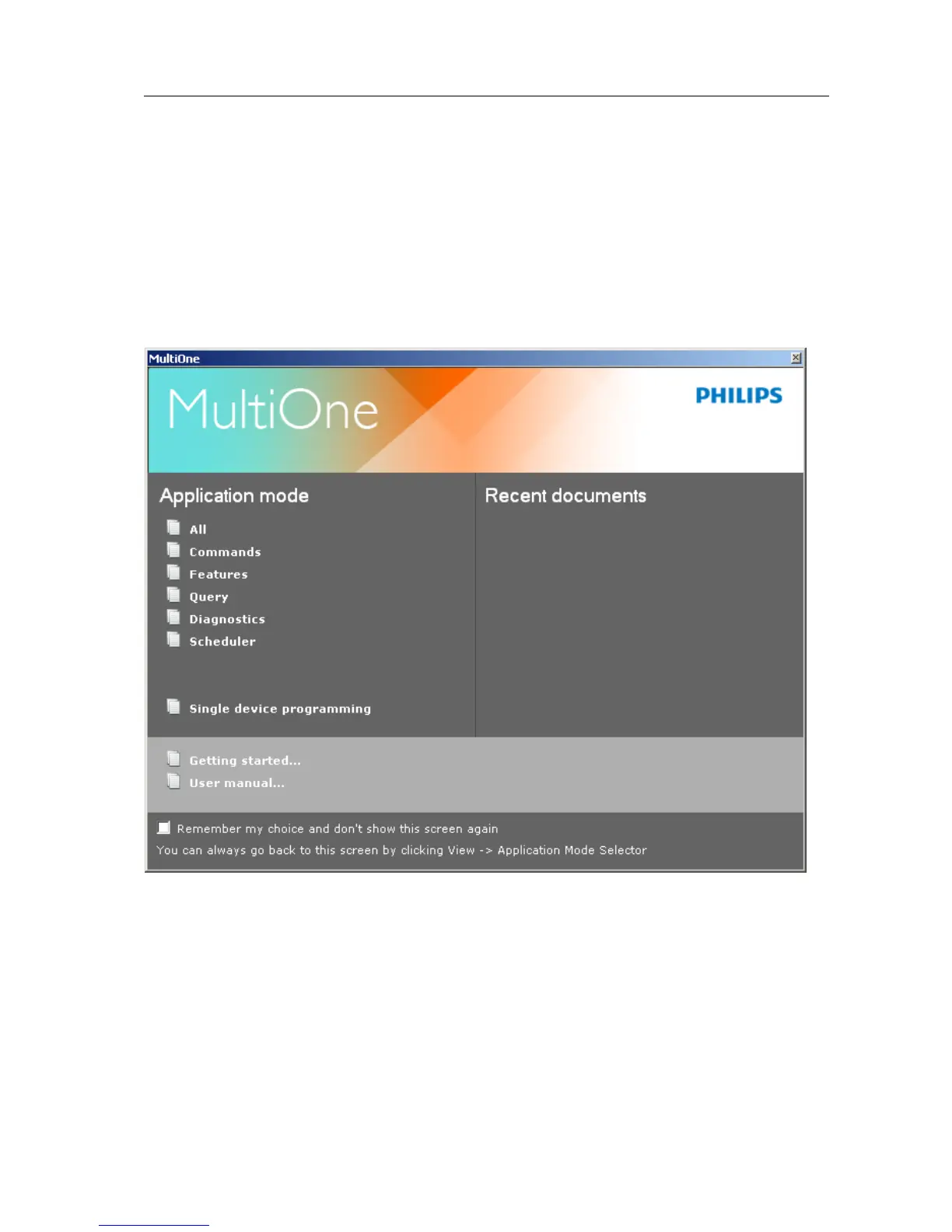
When starting MultiOne, the first window that appears is the Application Mode
Selector. Here, you can choose an application mode, based on the tasks you would
like to perform. The application window also has links to the documentation.
One of the modes is Single device programming. This mode simplifies some parts
of the device configuration workflow when only one device has been connected.
Single device programming is discussed in detail in chapter 12.6.
If you know that you will mostly perform the same tasks in the future, you can select
Remember my choice and then click the appropriate application mode. MultiOne
will record your choice and The Application Mode Selector will not appear again the
next time MultiOne is started.



 To Next Page