User Manual Philips MultiOne
© Philips Lighting B.V. 2014 Page 31 / 81
12.3.1 1-10V min dim level
Product group
LED
Description
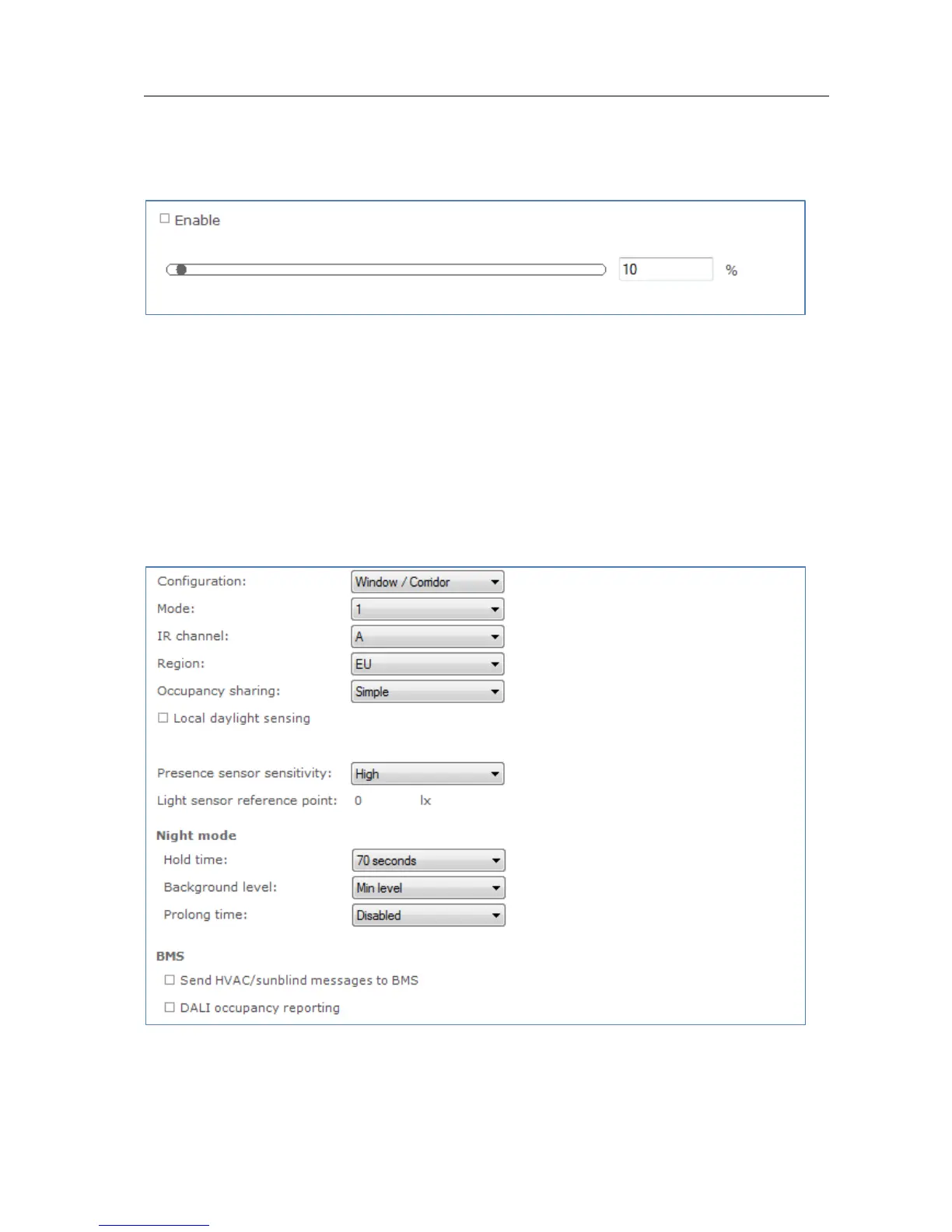
Use this feature to set the minimum dim level when using 1-10V dimming interface.
Usage
Use the slider or the text field to select a value. The value represents the light level.
12.3.2 ActiLume General
Product group
CONTROL
Description
Use this feature to configure general ActiLume settings.



 To Next Page