User Manual Philips MultiOne
© Philips Lighting B.V. 2014 Page 27 / 81
11.2.2 Auto read
After a device gets selected all features are shown on the Features tab and auto read
gets activated. Auto read automatically start reading the configuration of all features.
Progress is shown as described in chapter 12.2
11.3 Selecting devices for communication
After having scanned the SimpleSet device, the Network panel shows the device. By
clicking on a device you will make that particular device the active one, meaning that
all actions will be performed on this device only, and will be ignored by all other
devices.
11.4 Starting communication
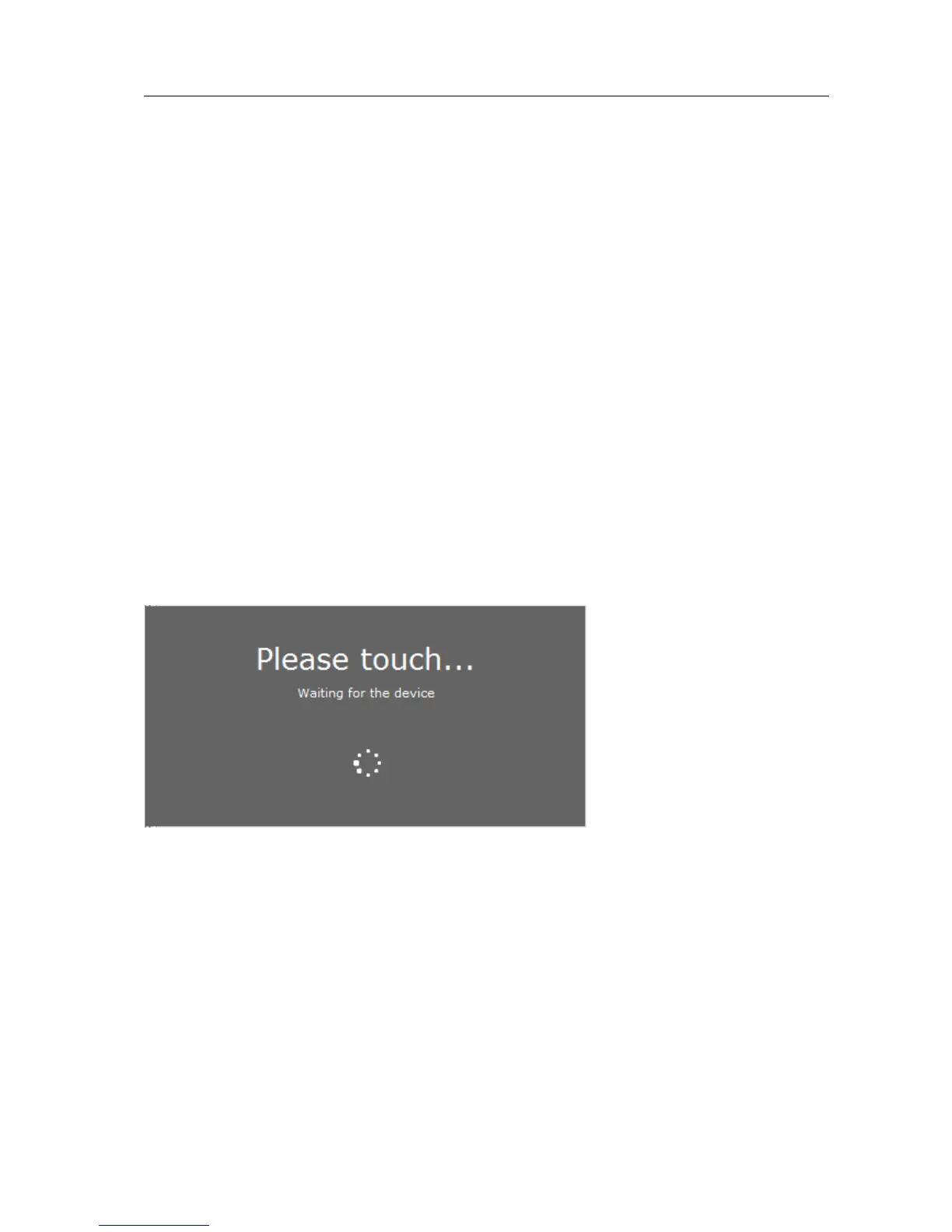
In order to communicate with a SimpleSet device, the device has to touch the
SimpleSet interface. Before starting the communication MultiOne will show a pop-up
when the device is not near the SimpleSet interface. This pop-up waits until the
device and the SimpleSet interface touch, or disappears after 20 seconds. After
touching the action will be executed. Touch and hold the device close to the
SimpleSet interface until all communication has finished.



 To Next Page