User Manual Philips MultiOne
© Philips Lighting B.V. 2014 Page 21 / 81
10.2.2 Selecting devices for communication
After having connected to the network, the Network panel shows all devices and the
network to which MultiOne is connected. By clicking on a device or network you will
make that particular device or network the active one, meaning that all actions will be
performed on this device or network only, and will be ignored by all other devices or
networks.
With a right click on a device you can
Identify the device
10.3 Advanced commissioning
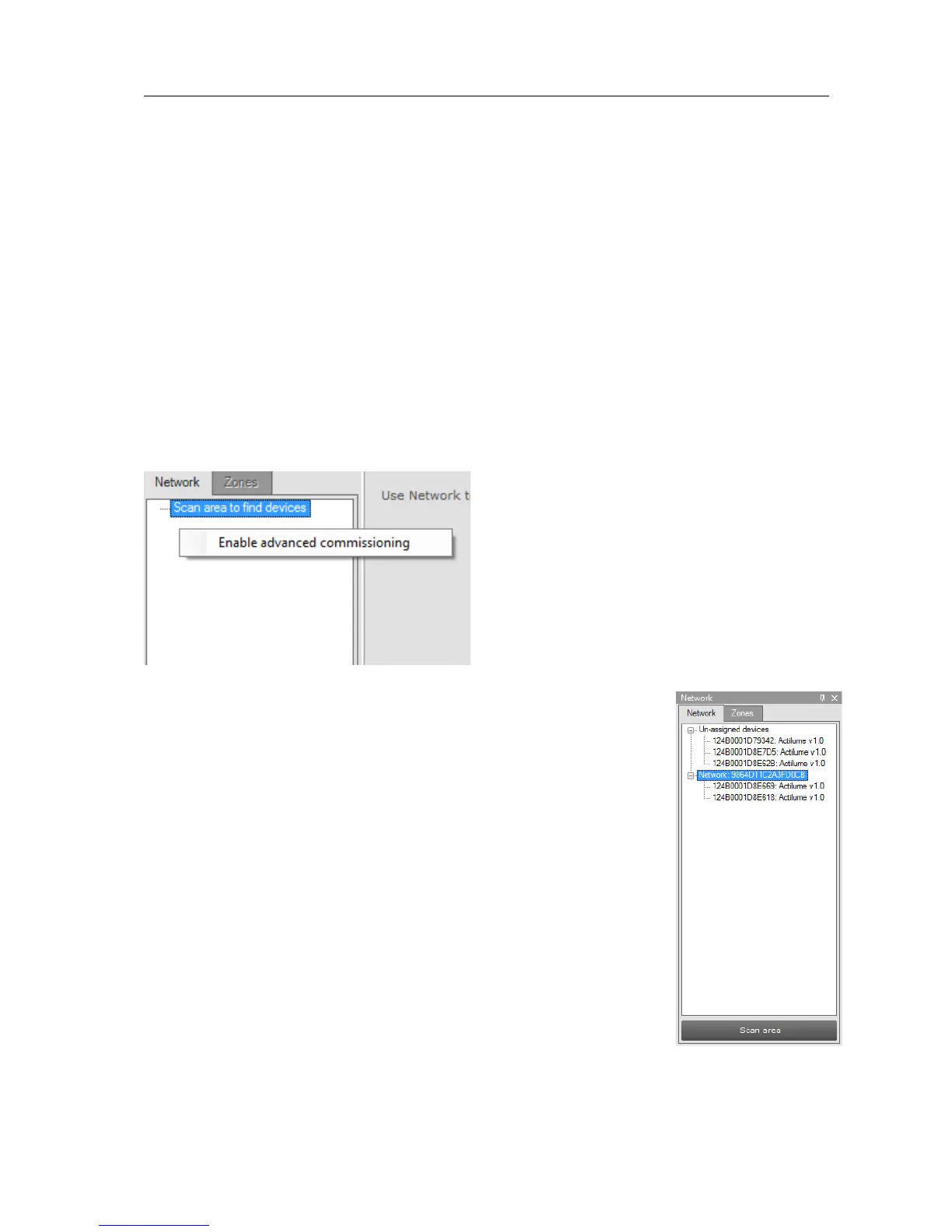
To commission a ZigBee network, right click the Network panel and choose Enable
advanced commissioning.
The Network panel switches to a different view making it possible
to manage ZigBee networks.
10.3.1 Identify devices
Press Scan area to scan for all the devices and network in the area
of the USB2ZigBee interface. After scan has finished the devices
and networks in range of the interface are shown in the Network
panel.



 To Next Page