User Manual Philips MultiOne
© Philips Lighting B.V. 2014 Page 15 / 81
9 Working with the Philips LCN8600 MultiOne interface
USB2DALI
Before using MultiOne with the USB2DALI interface make sure that all devices that
need to be commissioned are connected to the mains and the DALI network. Finally
the DALI network must be connected to one of the DALI connectors of the USB2DALI
interface.
9.1 The main application window
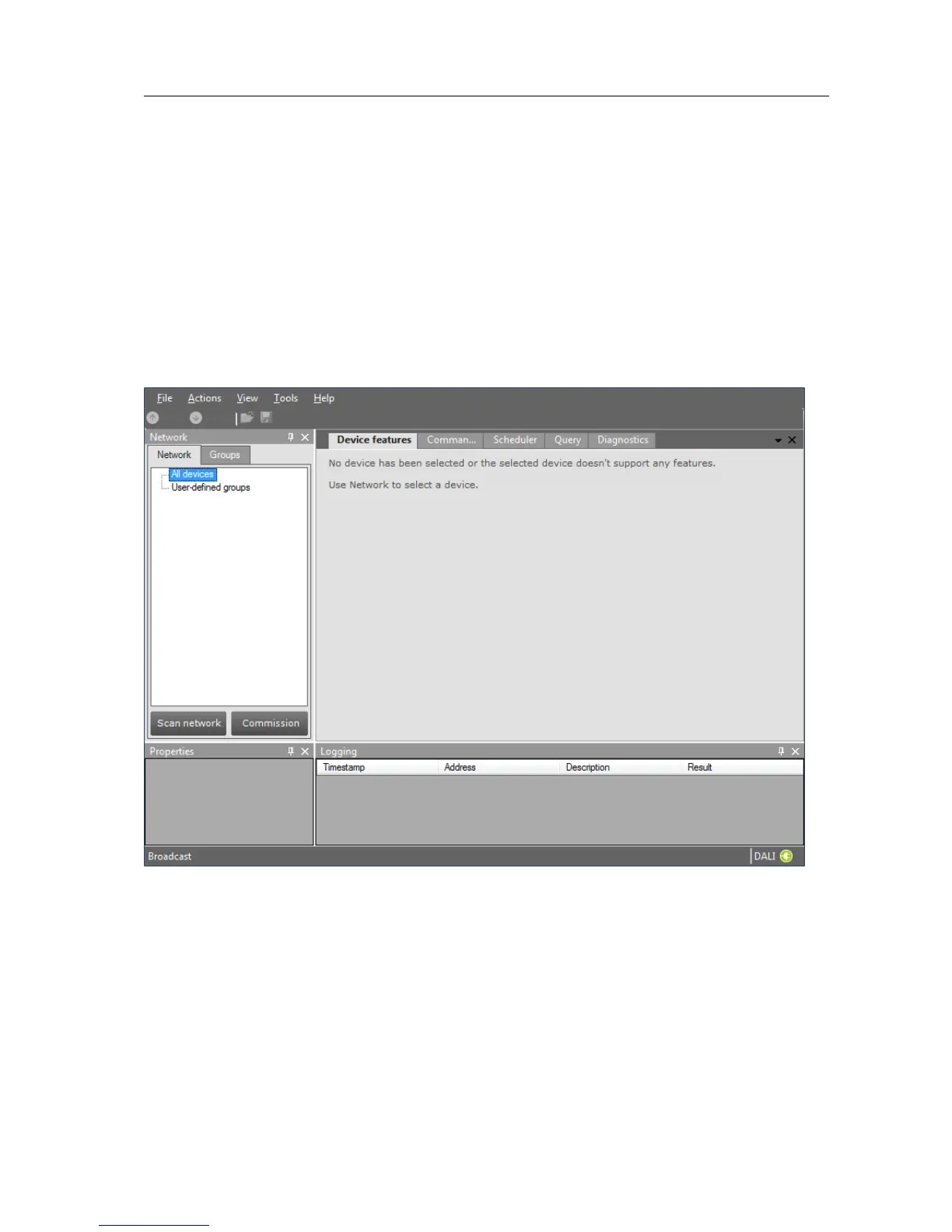
If in the Application Mode Selector screen All is selected as application mode, the
program will start as follows:
A more thorough explanation on how to communicate with devices can be found in
chapters 12.2, 12.11, 12.13, 12.12 and 12.3 of this manual.
9.2 Managing the DALI network
The Network panel is used to manage the connected DALI network. A number of
tasks can be performed in the Network, each of which is detailed below.
9.2.1 Identifying devices



 To Next Page