User Manual Philips MultiOne
© Philips Lighting B.V. 2014 Page 49 / 81
Description
This feature provides an interface for easy dimming via pilot-line or external sensor
(presence) of a group of lamps. Dimming to desired level can be controlled by
applying a 230V between the DALI inputs. The fade times can also be set using the
fade on-, fade off and switch off delay time.
Usage
Select the Enable check box to use this feature. This feature has the following
parameters:
High V level: Use the slider or the text field to select a value. The value
represents the light level to be set when high voltage is detected on the mains.
Low V level: Use the slider or the text field to select a value. The value
represents light level to be set when low voltage is detected on the mains.
Fade on time: Use the slider or the text field to select a value. The value
represents the fade on time to be used.
Switch off delay time: Use the slider or the text field to select a value. The
value represents the switch off delay time to be used.
Fade off time: Use the slider or the text field to select a value. The value
represents the fade off time to be used.
12.3.23 LumiStep
Product group
LED
Description
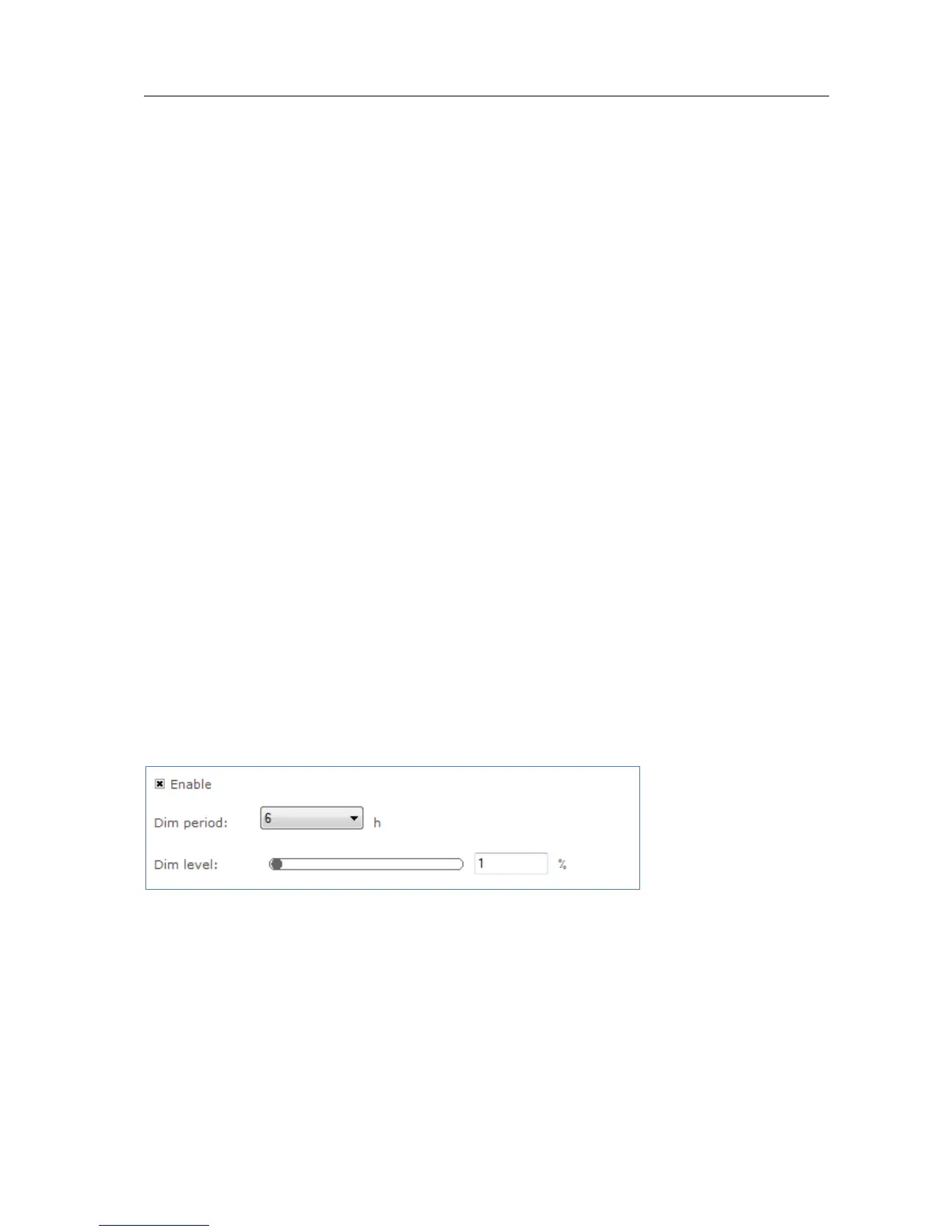
This feature provides a simplified version of Dynadimmer.
Usage
Select the Enable check box to use this feature. This feature has the following
parameters:
Dim period: Use the drop down box to select the wanted dim period. This is
the time period the dim level will be used.



 To Next Page