User Manual Philips MultiOne
© Philips Lighting B.V. 2014 Page 25 / 81
11 Working with the Philips LCN9600 MultiOne interface
SimpleSet
11.1 The main application window
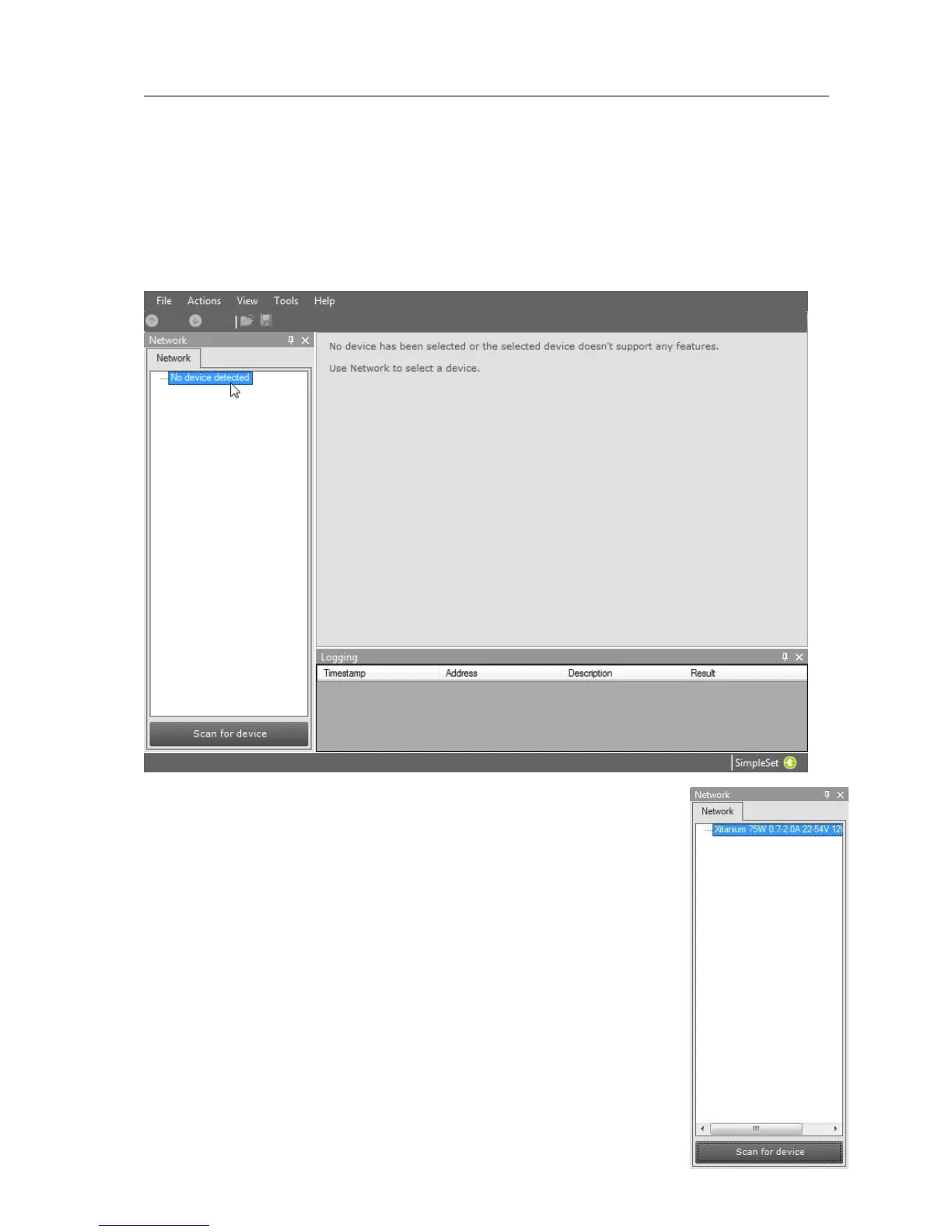
If in the Application Mode Selector screen All is selected as application mode, the
program will start as follows:
11.2 Scanning a SimpleSet device
The Network panel is used to manage the scanned SimpleSet
devices. A number of tasks can be performed in the Network panel,
each of which is detailed below.
11.2.1 Identifying devices
The SimpleSet device near the SimpleSet interface is not
automatically known by MultiOne. To get the device press Scan for
device: a pop-up will appear indicating the device must touch the
interface. Touch and hold the device close to the SimpleSet interface



 To Next Page