User Manual Philips MultiOne
© Philips Lighting B.V. 2014 Page 20 / 81
10 Working with the Philips LCN8650 MultiOne interface
USB2ZigBee
10.1 The main application window
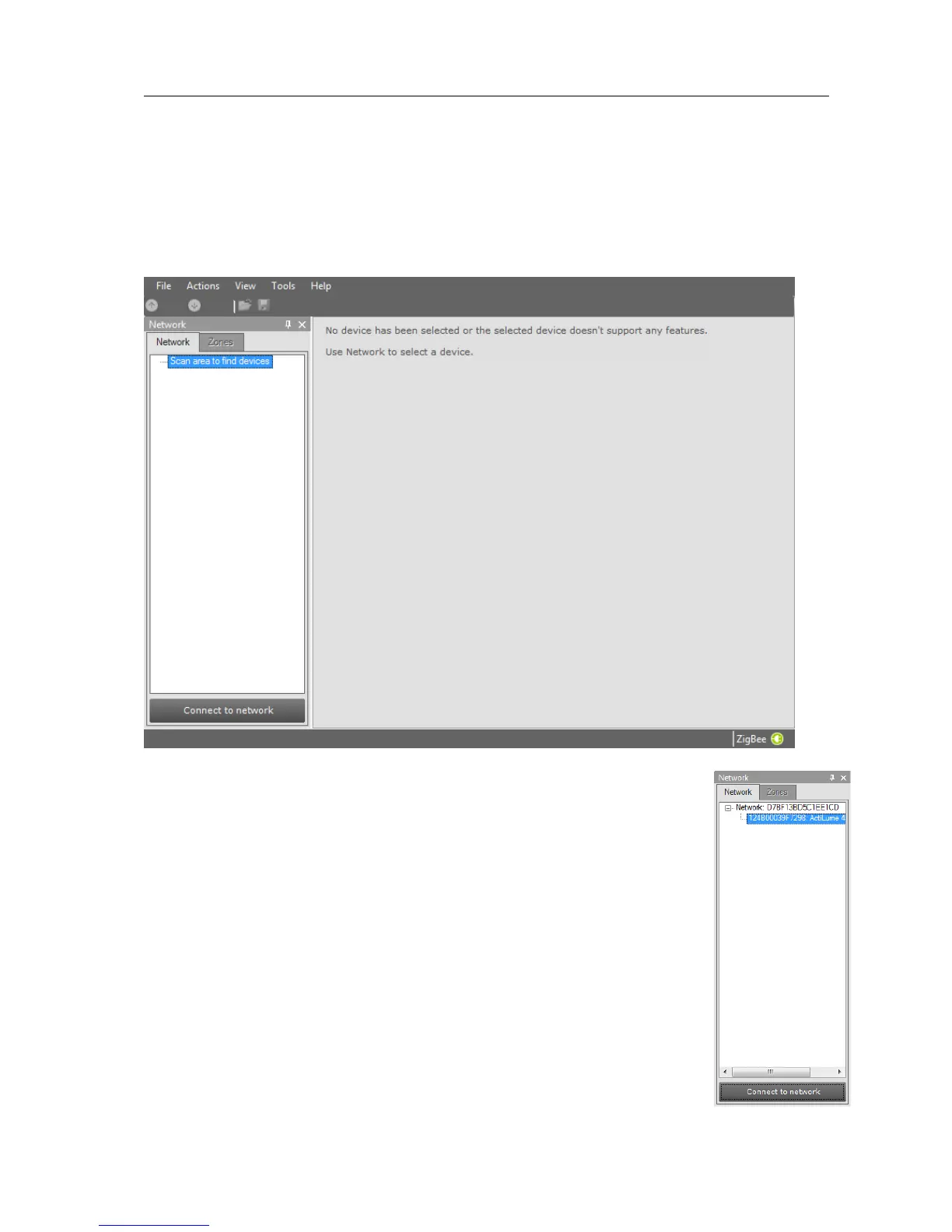
If in the Application Mode Selector screen All is selected as application mode, the
program will start as follows:
10.2 Connecting to a ZigBee network
The Network panel is used to manage a connected ZigBee network. A
number of tasks can be performed in the Network panel, each of which
is detailed below.
10.2.1 Identify devices
The ZigBee devices and networks in the area of the USB2ZigBee
interface are not automatically known. To find devices and networks in
the area press Connect to network: MultiOne scans for an open
network in the area and connects to the network. After connecting has
finished, the network and the found devices are shown in the Network
panel.



 To Next Page