User Manual Philips MultiOne
© Philips Lighting B.V. 2014 Page 50 / 81
Dim level: Use the slider or the text field to select a value. The value
represents the dim level in percent. The dim level will be used during the dim
period.
12.3.24 Min Dim Level
Product group
LED
Description
This feature provides an interface for setting the min dim level of a device.
Usage
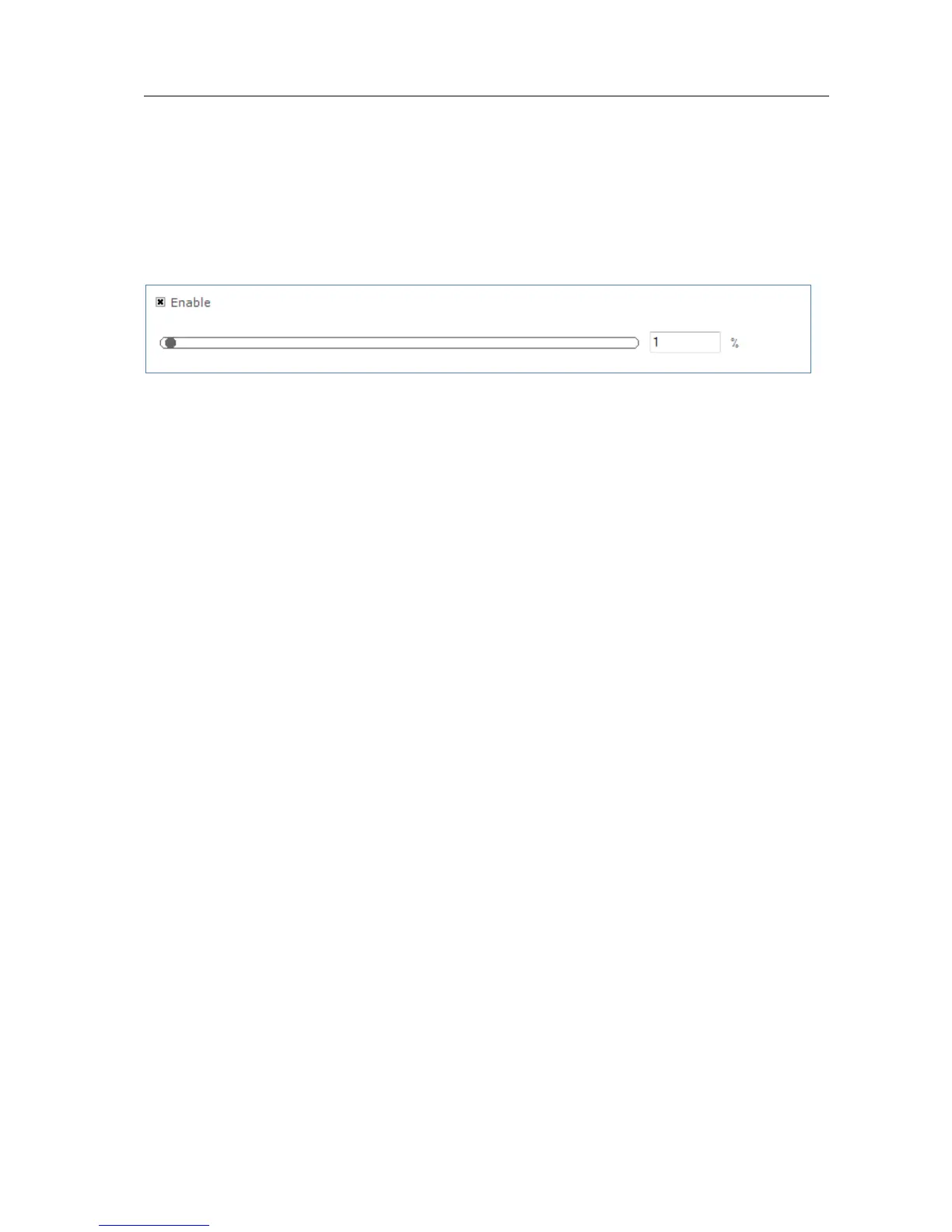
Select the Enable check box to use this feature. Use the slider or the text field to
select a value. The value represents the min dim level in percentage.



 To Next Page