User Manual Philips MultiOne
© Philips Lighting B.V. 2014 Page 53 / 81
12.4 Using the features summary
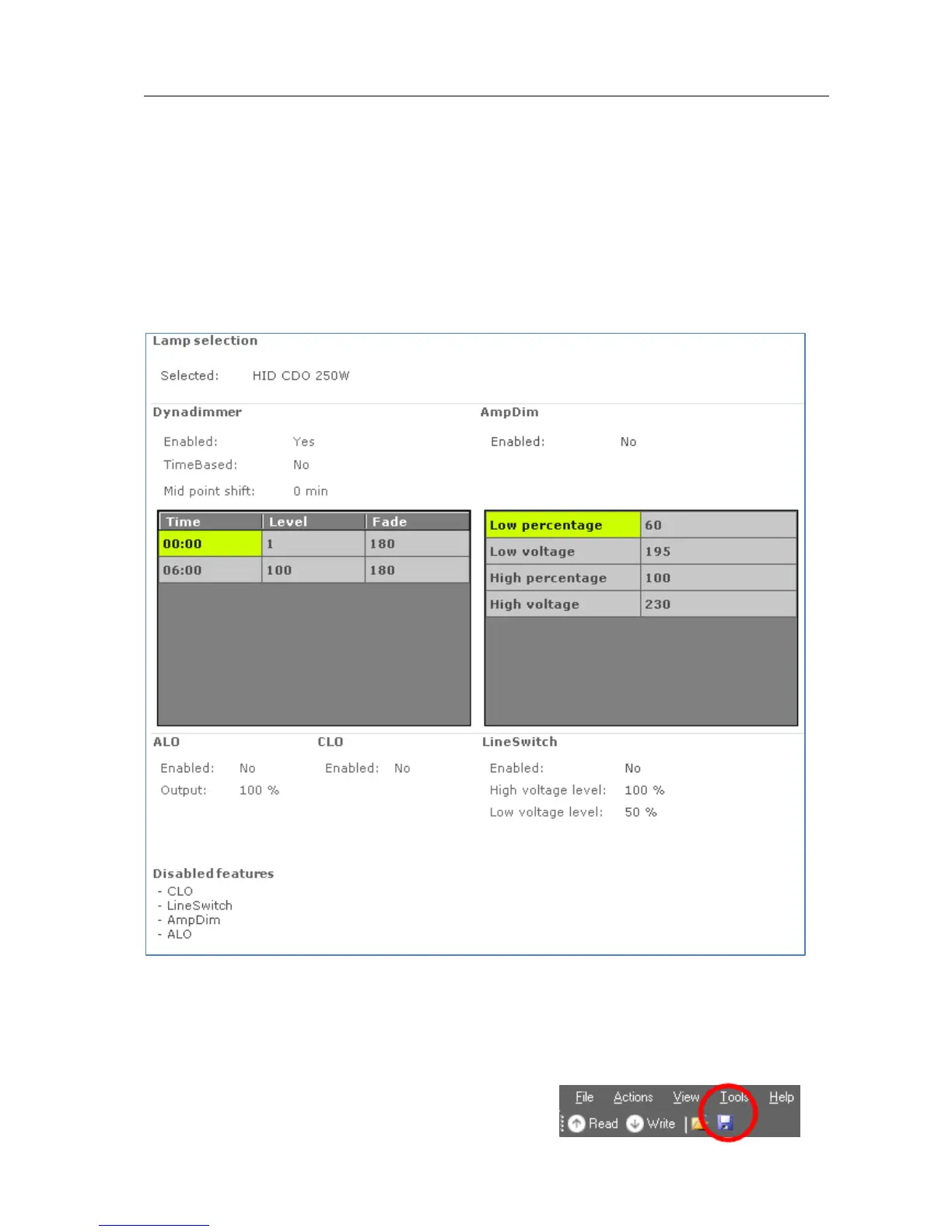
For most devices an additional tab is shown on the Device features tab, called
Summary. The Summary tab gives a compact overview of the settings that have
been entered for all the features of this device. As the features are different per
product group, the summary is also different. The features cannot be changed on the
Summary tab.
12.5 Saving and opening a feature configuration file
To save and open a feature configuration file, the Device features tab must be active.
Feature configurations can be saved to a file for later use. To do so, first select the
Device features tab to make feature configurations



 To Next Page