User Manual Philips MultiOne
© Philips Lighting B.V. 2014 Page 70 / 81
12.17 Enabling/Disabling the power supply of the USB2DALI interface
The USB2DALI interface will automatically detect if the DALI bus is powered by
another device (for example a DALI power supply). If the DALI network is not
powered, it will use its internal power supply.
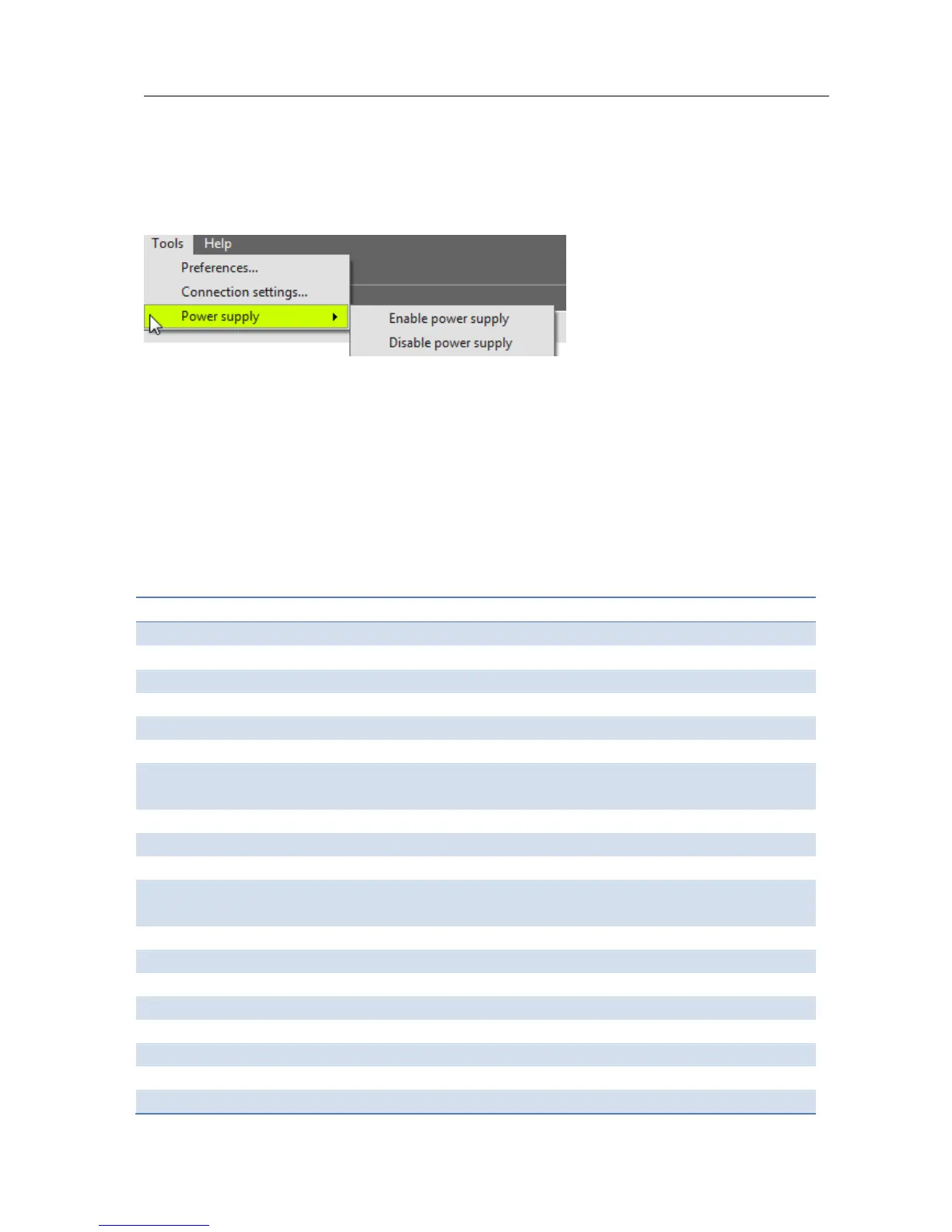
If, during operation, the DALI network is changed in a way that it requires the
USB2DALI interface to switch on or off its internal power supply, you can do so using
the option Tools Power supply.
12.18 Supported features
The table below gives an overview of all features that are supported by MultiOne and
to which product groups they apply.
Table 3 Supported features



 To Next Page