User Manual Philips MultiOne
© Philips Lighting B.V. 2014 Page 32 / 81
Usage
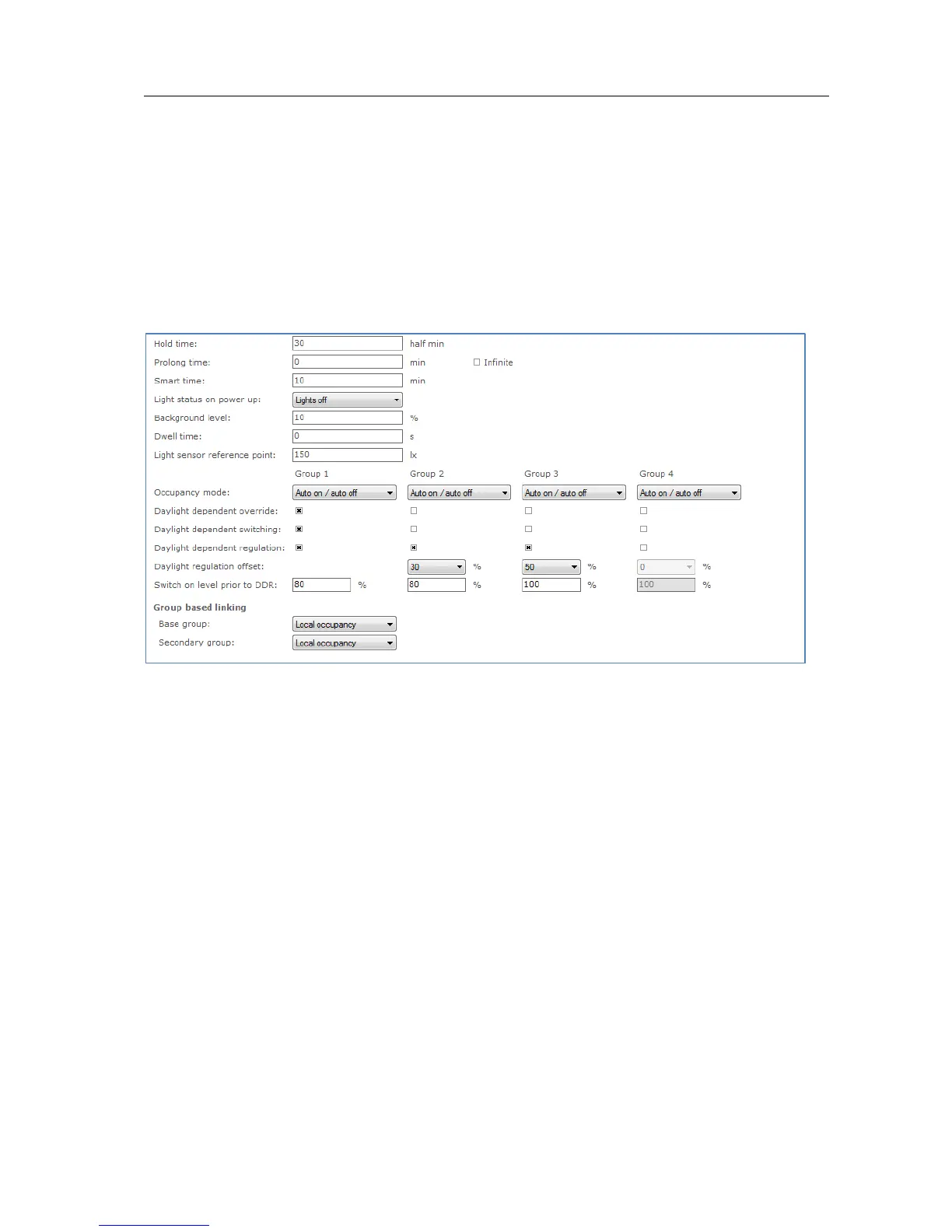
Use the various drop down boxes, check boxes and text fields to make a
configuration.
Please refer to the ActiLume DALI gen2 Application Guide for further details.
12.3.3 ActiLume Mode
Product group
CONTROL
Description
Use this feature to configure ActiLume settings that apply to the system’s modes. For
ActiLume DALI gen2, up to 16 modes are shown, each of which has its own feature
tab on the left-hand side. Use the ActiLume Mode feature to configure settings for
each individual mode.
Usage
Use the various drop down boxes, check boxes and text fields to make a
configuration. Click the Reset to factory defaults button to reset the current mode
to the factory defaults.
Please refer to the ActiLume DALI gen2 Application Guide for further details.
12.3.4 ActiLume Scene
Product group
CONTROL



 To Next Page