User Manual Philips MultiOne
© Philips Lighting B.V. 2014 Page 23 / 81
o Remove, the device will become unassigned. If the zone becomes
empty, the zone will be removed
With a right-click on a zone you can:
o Identify the zone
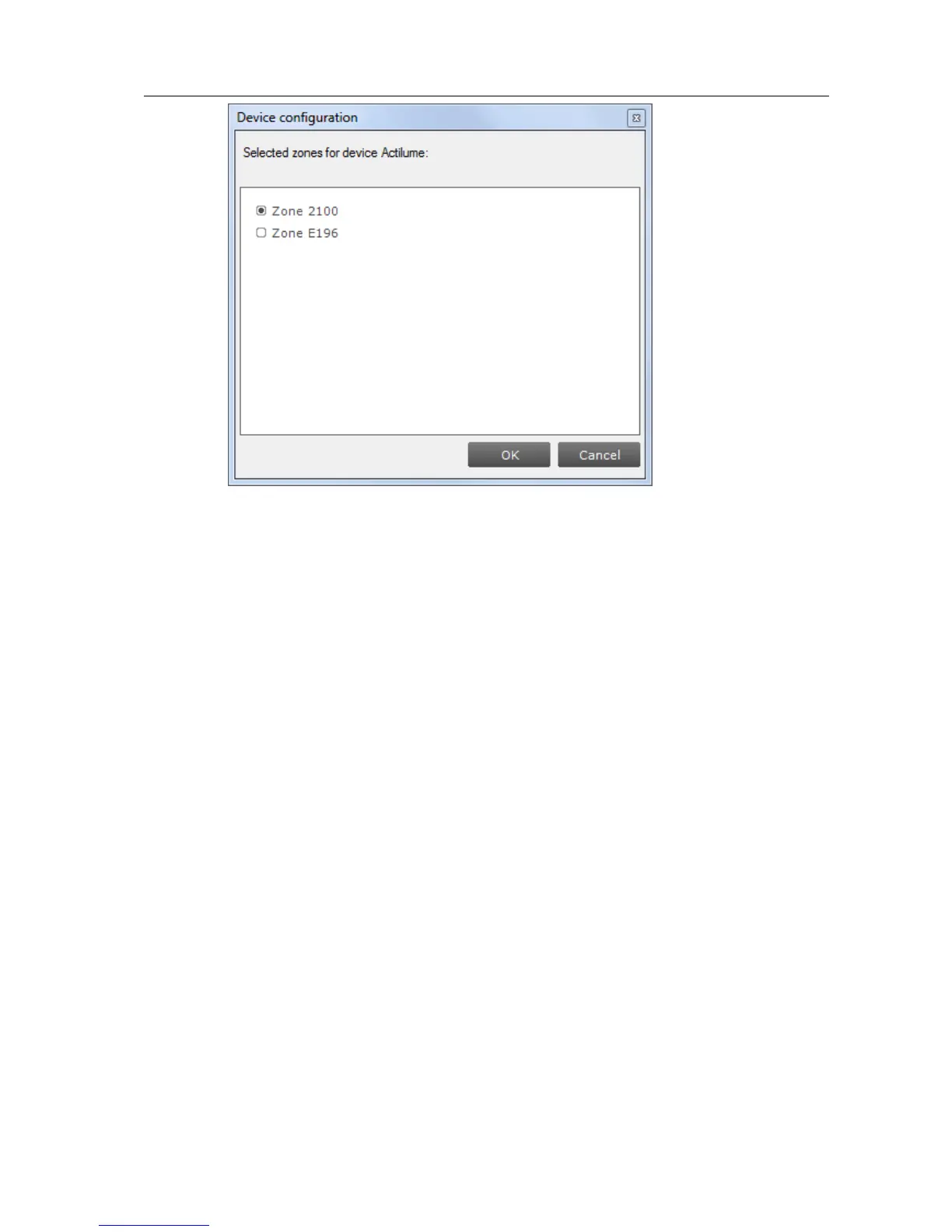
o Configure…, add/remove multiple devices to/from the zone. If other
zones become empty, they will be removed



 To Next Page