User Manual Philips MultiOne
© Philips Lighting B.V. 2014 Page 76 / 81
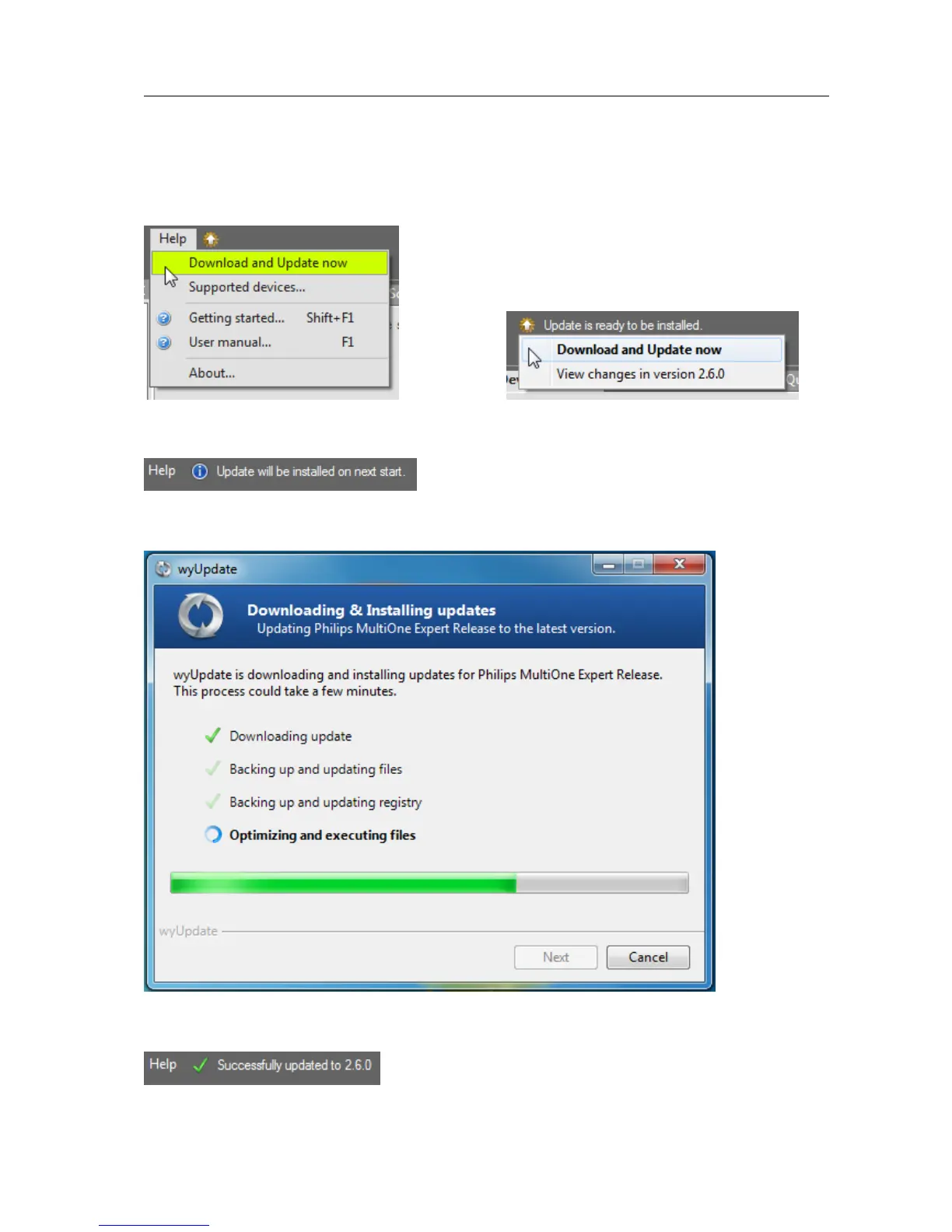
After a manual update check, or by using the automatic options, the update status
near the Help menu will show if a new version is available. The user can then decide
to continue downloading/updating by either using the update status or the Help
menu to carry on.
After downloading the update status will inform the user to restart to continue.
Restarting MultiOne will install the update.
A successful update of MultiOne will be shown in the update status.



 To Next Page