[Storage Select] Select whether you want to record on NAS or micro SD card.
Enter the path that you wish to save the files to on your NAS Drive.[NAS remote path]
Remember the camera only accepts one level directory e.g. //192.168.1.3/camvideo as
opposed to //192.../cam/abc.
Select whether authentication is required by the NAS Drive.[Authorization1]
& Type the user name and password of the NAS Drive.[User name] [Password]
This field is required if your NAS Drive requires authentication.
To complete click to confirm and Save your settings.Apply
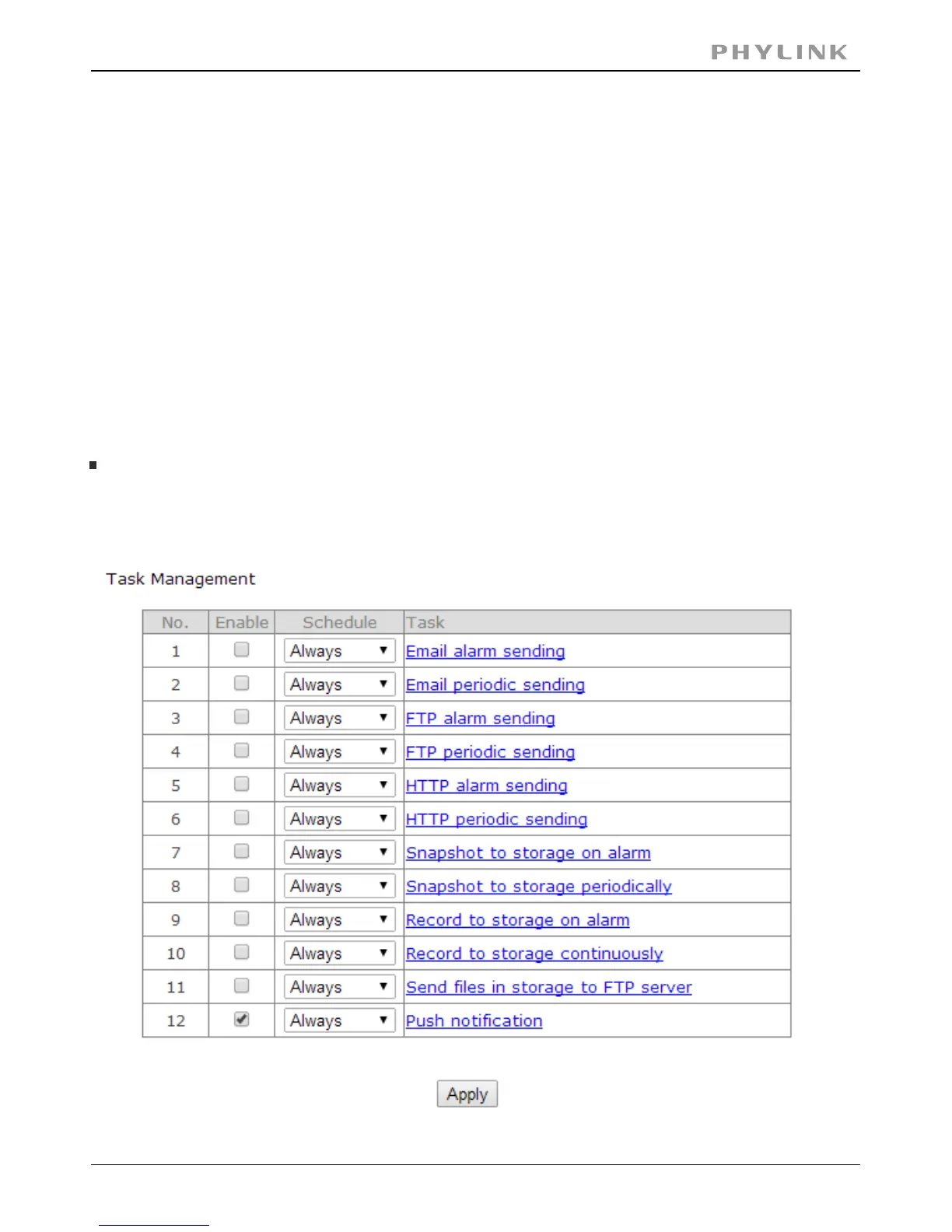
3. Create a task in Task Management
Create a task in Task Management to set the camera to record to your NAS based on
Alarm or Continuously
PHYLINK Covert Network Camera User Manual



 To Next Page