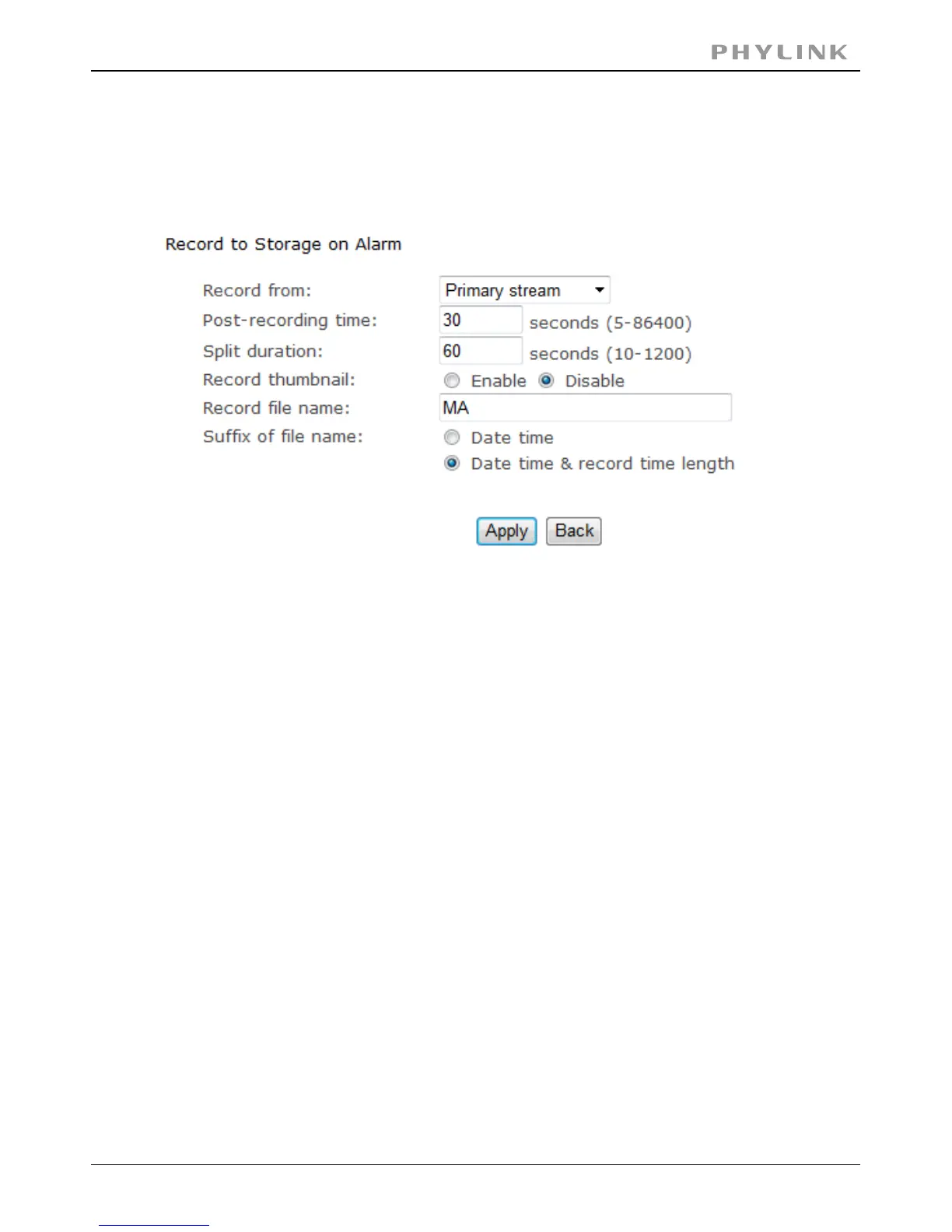
Select the task you want to set and then access it, e.g. click on the 'Record to storage on
alarm' link if you want to get the camera to record to your NAS drive based on motion
detection. Now set whatever you want as the parameters for this (or leave as default if
you just want to try things out. You can always come back and fine tune these later).
PHYLINK Covert Network Camera User Manual
Now, providing everything is set up correctly your camera will record to your NAS drive whenever
motion is detected.
Note: Always click after making any changes you want to Save!!!!Apply



 To Next Page