Setting items to be deleted
The items to be deleted vary depending on the
reset method. The items listed in the following
table return to the default or factory settings.
p Almost all items not listed below will be re-
tained. However, some items to be returned
to the default value are not listed if the set-
ting value can be easily recovered by user,
such as the last map scale, the last status
of AV operation screen, etc.
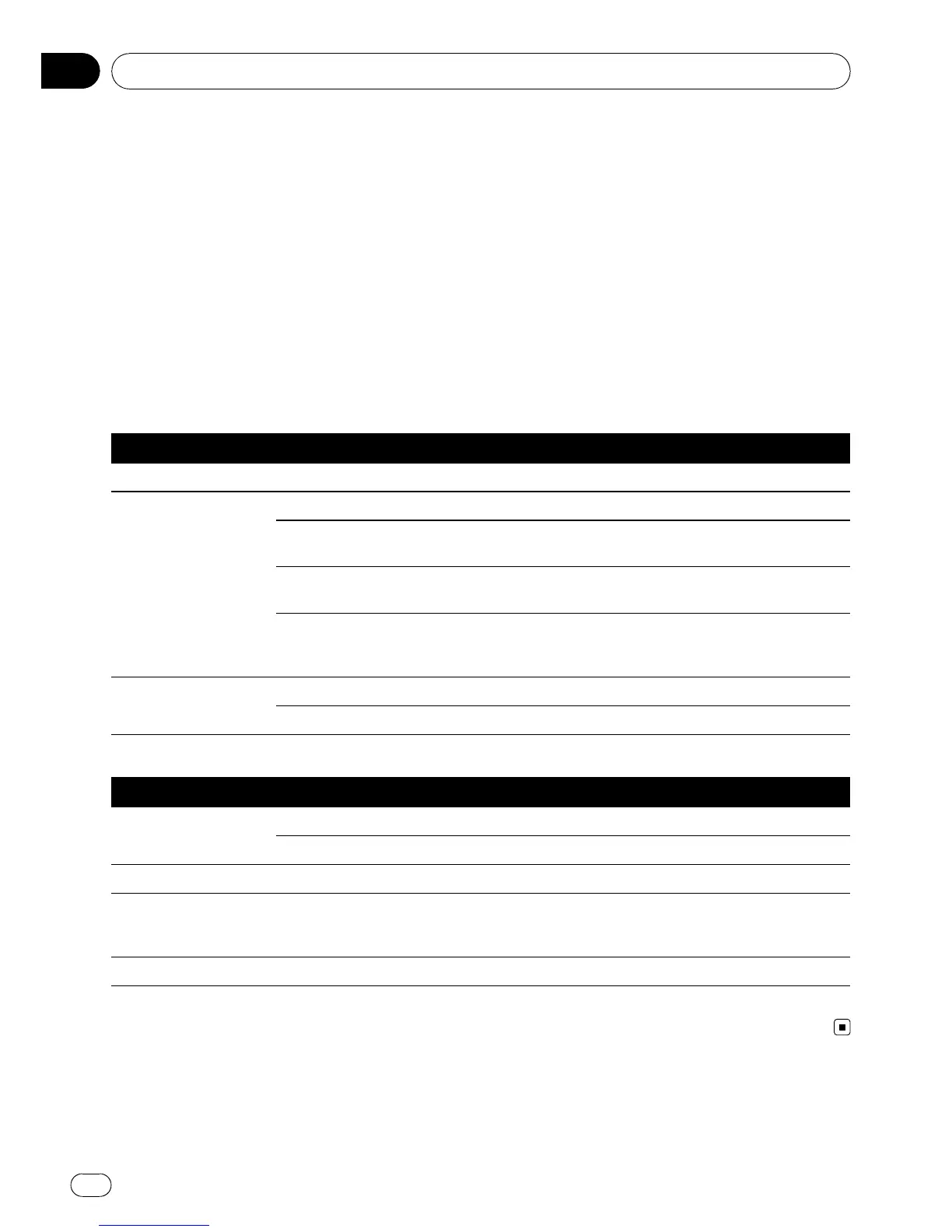
— : The setting will be retained.
1 : The setting will be cleared and returned to
the default or factory settings.
Navigation functions Method 1 Method 2 Method 3
Destination Menu All settings on “MSN Direct” (*) — 1 —
Navi Settings
[Set Home] ———
[GPS & Time Settings], [Visual], [Route], [Warn-
ings], [Regional Settings]
— 1 —
[Sound settings]
“Voice”, “Keys”, “Dynamic Volume (On/Off)”
— 1 —
[Sound settings]
“Master”, “Dynamic Volume(Maximum speed:,
Minimum speed:)”
———
System Settings
[Language] — 1 —
Other settings ———
(*) This function is available for AVIC-F900BT and AVIC-F90BT.
Audio functions Method 1 Method 2 Method 3
AV Settings
[Wide Mode], [VR Catalog Mode] ———
Other settings 1 ——
AV Sound All settings 1 ——
CD, ROM, DVD-V,
DVD-VR, DivX, FM,
AM, SD, USB
All settings (*1) 1 ——
Volume setting for AV sources 1 ——
(*1) All settings including the setting on the “Function” menu are to be deleted.
Other functions
En
154
Chapter
27



 To Next Page
 Loading...




