! To select 10, touch [1] and [0] and [Enter]in
order.
For time (time search)
! To select 5 minutes 03 seconds, touch [5],
[0], [3] and [Enter] in order.
! To select 71 minutes 00 seconds, touch [7],
[1], [0], [0] and [Enter] in order.
p To cancel the input numbers, touch [Clear].
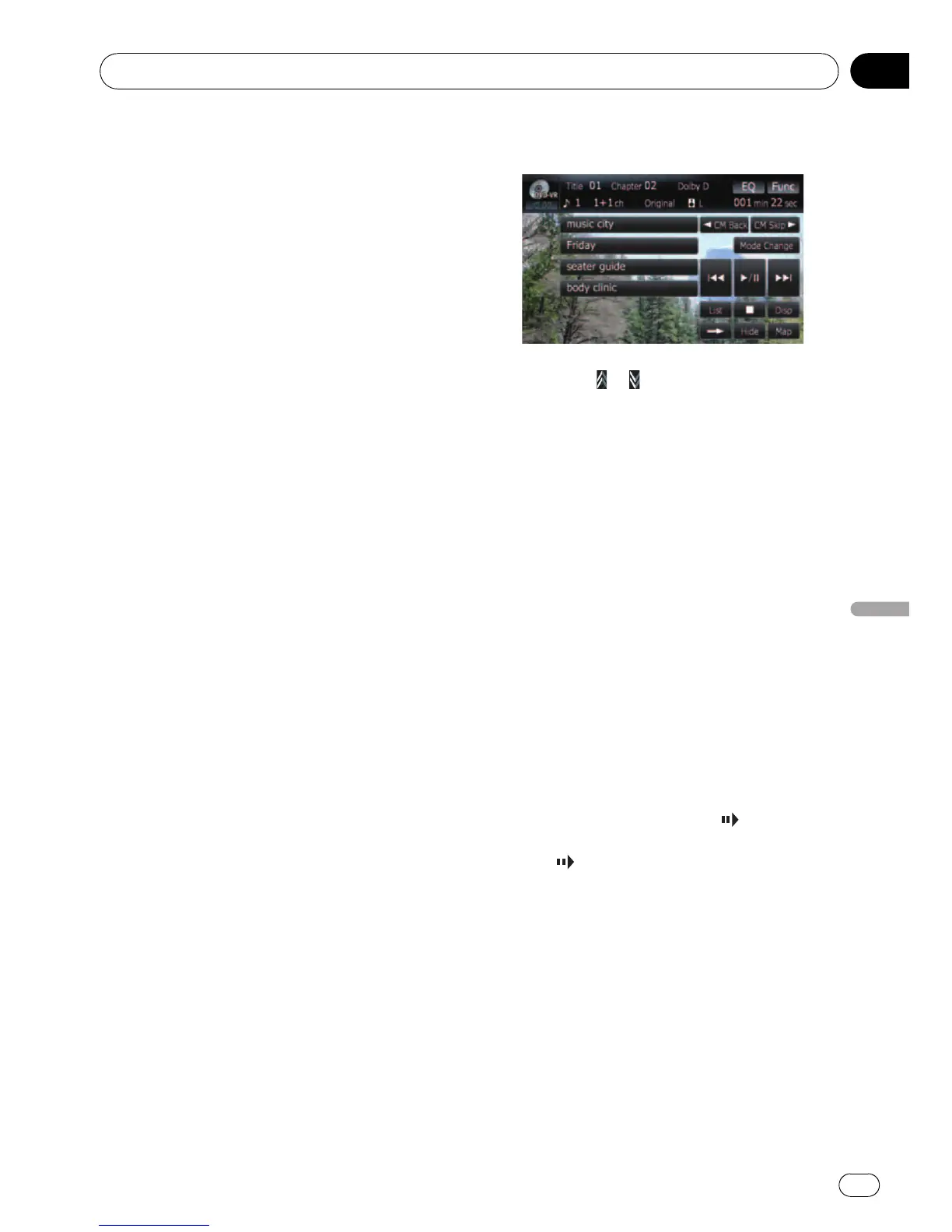
Switching the playback mode
You have two methods for playing DVD-VR
discs; Original (original) and Playlist (play-
list).
p Titles created with DVD recorders are
called original. Those based on original, re-
arranged titles are called playlist. Playlists
are created on DVD-R/-RW discs.
% Touch [Mode Change] to switch the
play mode.
If the play mode is changed, playback starts
from the beginning of the selected play mode.
Using the short-time skip function
This function enables you to skip over your
specified interval on the video playback. This
is useful to skip commercials on your recorded
DVD-VR disc.
% To skip progressively backward or for-
ward, touch [c CM Back] or [CM Skip d].
Each touch of [c CM Back]or[CM Skip d]
changes steps in the following order:
c CM Back
5 sec. — 15 sec. — 30 sec. — 1.0 min. —
2.0 min. — 3.0 min.
CM Skip d
30 sec. — 1.0 min. — 1.5 min. — 2.0 min. —
3.0 min. — 5.0 min. — 10.0 min.
Playing by selecting from the
title list
You can select and play a desired title from the
list.
1 Touch [List] on the playback screen.
2 Touch the title to play from the list.
p Touching or switches the selection to
the next or previous page in the list.
3 To return to the previous screen, touch
[List].
Frame-by-frame playback
This lets you move ahead one frame at a time
during playback.
% Touch [r] during playback.
Each time you touch [r], you move ahead
one frame.
To return to normal playback, touch [f].
p With some discs, images may be unclear
during frame-by-frame playback.
Slow motion playback
This lets you slow down playback speed.
1 Keep touching [r] until
is displayed
during playback.
The icon
is displayed, forward slow motion
playback begins.
p To return to normal playback, touch [n]
or [m], etc.
2 Touch [r] to adjust playback speed
during slow motion playback.
Each touch of [r] changes the speed in four
steps as below:
1/16 d 1/8 d 1/4 d 1/2
p There is no sound during slow motion play-
back.
p With some discs, images may be unclear
during slow motion playback.
Playing a DVD-VR
En
77
Chapter
12
Playing a DVD-VR



 To Next Page
 Loading...




