Connecting a registered
cellular phone
The navigation system automatically connects
the cellular phone selected as the target of
connection. However, connect the cellular
phone manually in the following cases:
! Two or more cellular phones are registered,
and you want to manually select the cellu-
lar phone to be used.
! You want to reconnect a disconnected cel-
lular phone.
! Connection cannot be established automa-
tically for some reason.
If you start connection manually, carry out the
following procedure. You can also connect the
phone by having the navigation system detect
it automatically.
= For details, refer to Setting the automatic
connection on page 62.
1 Activate the Bluetooth wireless tech-
nology on your cellular phone.
For some cellular phones, no specific action is
necessary to activate Bluetooth wireless tech-
nology. For details, refer to the instruction
manual of your cellular phone.
2 Touch [Phone Settings] on the “Phone
Menu”.
= For details, refer to Displaying the Phone
Menu on page 52.
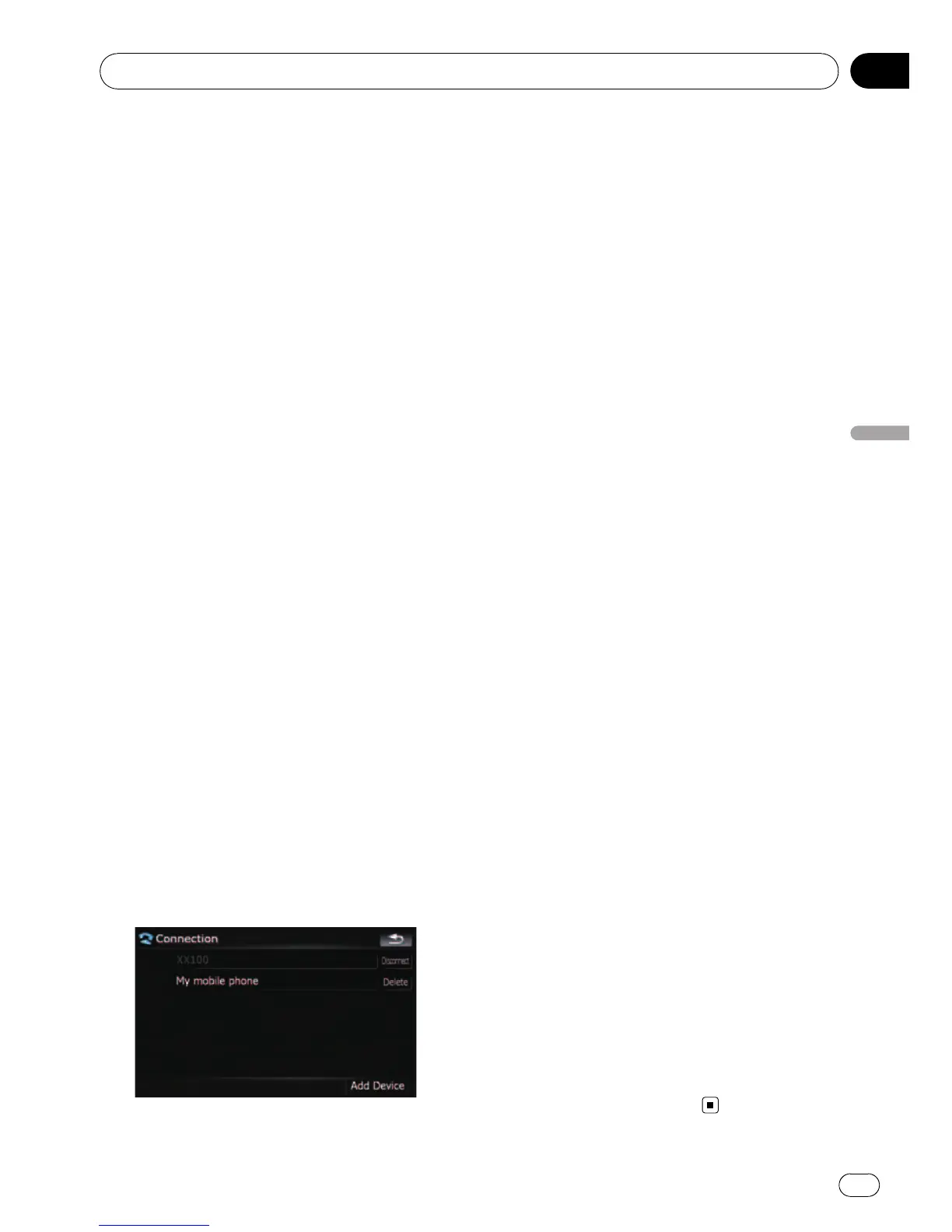
3 Touch [Connection].
4 Touch the name of the cellular phone
that you want to connect.
Connection starts.
When a connection is successfully estab-
lished, a connection complete message ap-
pears, the screen returns to the “Phone
Settings” menu by touching [OK].
p If another cellular phone is already con-
nected, touch [Disconnect] next to the cel-
lular phone name to disconnect it, and start
connection.
p To cancel the connection to your cellular
phone, touch [Cancel].
p If connection fails, check to see whether
your cellular phone is waiting for a connec-
tion and then retry.
Disconnecting a cellular phone
1 Touch [Phone Settings] on the “Phone
Menu”.
= For details, refer to Displaying the Phone
Menu on page 52.
2 Touch [Connection].
3 Touch [Disconnect] next to the cellular
phone name.
Deleting a registered phone
If you no longer need to use a registered
phone with the navigation system, you can de-
lete it from the registration assignment to free
this spot up for another phone.
p If a registered phone is deleted, all the
phone book entries and call history lists
that correspond to the phone will be also
cleared.
1 Touch [Phone Settings] on the “Phone
Menu”.
= For details, refer to Displaying the Phone
Menu on page 52.
2 Touch [Connection].
3 Touch [Delete] next to the cellular
phone name.
The registration is canceled.
Using hands-free phoning
En
55
Chapter
08
Using hands-free phoning



 To Next Page
 Loading...




